
AirTag 2 buying guide: should you upgrade?
AirTag 2 sounds like a simple upgrade until you match it to keys, luggage, a bag, or a wallet. The item and your iPhone matter more than the new badge.
By Adam Anderson, Editor and CEO
This article contains paid Amazon links. Gearsentials may earn a commission from qualifying purchases. Affiliate standards.
Check the iPhone before paying for expanded Precision Finding
AirTag 2 requires a newer software floor than the original. Apple's setup guide says iOS or iPadOS 26.2.1 or later, and its iOS release notes identify that update as the one that added AirTag 2 support. Apple's technical-specification page still says 26.0, so 26.2.1 is the safer requirement to use before checkout.
Setup support and expanded Precision Finding are different gates. Apple lists iPhone Air and iPhone 15 or later for the extended distance-and-direction experience, excluding iPhone 16e and iPhone 17e. Ultra Wideband availability also varies by region. If your phone sits outside that group, don’t buy AirTag 2 solely for the headline 50-percent-farther Precision Finding claim.
An iPhone 11 through 14 can run the required software, but Apple's current support pages are inconsistent about AirTag 2 Find Nearby behavior on those first-generation-UWB phones. The expanded-range promise doesn’t apply to them, so treat basic setup support as different from a guaranteed directional-finding experience.
Apple Watch support is narrower again. Precision Finding on the wrist requires Apple Watch Series 9 or later or Ultra 2 or later, with watchOS 26.2.1 or later. Apple Watch SE is excluded. That feature can be genuinely useful when both hands are carrying bags, but it isn’t a reason to upgrade if the Watch can’t run it.
Setup floor
iOS or iPadOS 26.2.1 or later
Expanded iPhone finding
iPhone Air or iPhone 15+, excluding 16e and 17e
Watch Precision Finding
Series 9+ or Ultra 2+, watchOS 26.2.1 or later
What AirTag 2 improves—and what stays the same
Apple says the second-generation Ultra Wideband chip can begin Precision Finding from up to 50 percent farther away than the original. Its updated Bluetooth radio extends proximity range, although Apple doesn’t publish one fixed distance. Walls, floors, furniture, a packed suitcase, and radio conditions can all change where the phone first connects.
The redesigned speaker is 50 percent louder, and Apple says the chime can be heard from up to twice as far away. Independent tests from Engadget, TechRadar, and Tom's Guide found the direction of the range and loudness improvements noticeable in their own locations. Those results support the upgrade, but they don’t make one reviewer's distance a promise for every home or airport.
AirTag 2 keeps the same 31.9 mm diameter and 8.0 mm thickness, so existing AirTag holders still fit. It keeps a replaceable CR2032 battery, NFC for Lost Mode, IP67 lab-rated resistance, and the familiar Find My network model. It also keeps the biggest physical omission: there’s no built-in keyring hole.
Keys are the strongest AirTag 2 upgrade case
Keys tend to disappear nearby—under a cushion, inside yesterday's bag, or in a different room. That’s exactly where the new range, direction, distance, and louder sound can reduce search time. A supported Apple Watch adds another practical path when the phone is charging or both hands are occupied.
The downside is attachment. AirTag still needs a holder or loop, and a weak holder defeats the purchase. Choose one that fully captures the tag and fits the actual keyring without turning the bundle into an uncomfortable pocket lump. Existing holders should fit AirTag 2 because Apple retained the original form factor.
For luggage, separate airport sightings from nearby finding
AirTag has no GPS receiver sending a live position over cellular service. It broadcasts a Bluetooth signal; Find My communications and location reports are protected with end-to-end encryption. Nearby Apple devices participating in the network can report a location, which is why a checked bag may appear on the map while it is far from your own phone. An update can be useful without being instant, continuous, or proof that the bag is moving in real time.
AirTag 2's reader-visible benefit is clearest once you’re nearby: locating the bag at baggage claim, around a hotel room, or in a pile of similar luggage. For a working original AirTag already assigned to a secondary suitcase, the map-level job may be similar enough that replacement is wasteful. Move the new model to the bag or keys whose nearby search is harder.
Share Item Location adds a recovery workflow. Find My can create a temporary page for an airline or another trusted helper; Apple says sharing ends when the item is recovered, after seven days, or when the owner stops it. Apple said in January 2026 that more than 50 airline partners accept these links, but participation and a shared link don’t guarantee recovery.
If a phone or laptop also needs power during the trip, choose its battery separately using our guide to laptop power banks under 100Wh for air travel. A tracker solves item location; it doesn’t solve the carry-on battery rules or the charging path.
A normal wallet is the wrong shape for AirTag
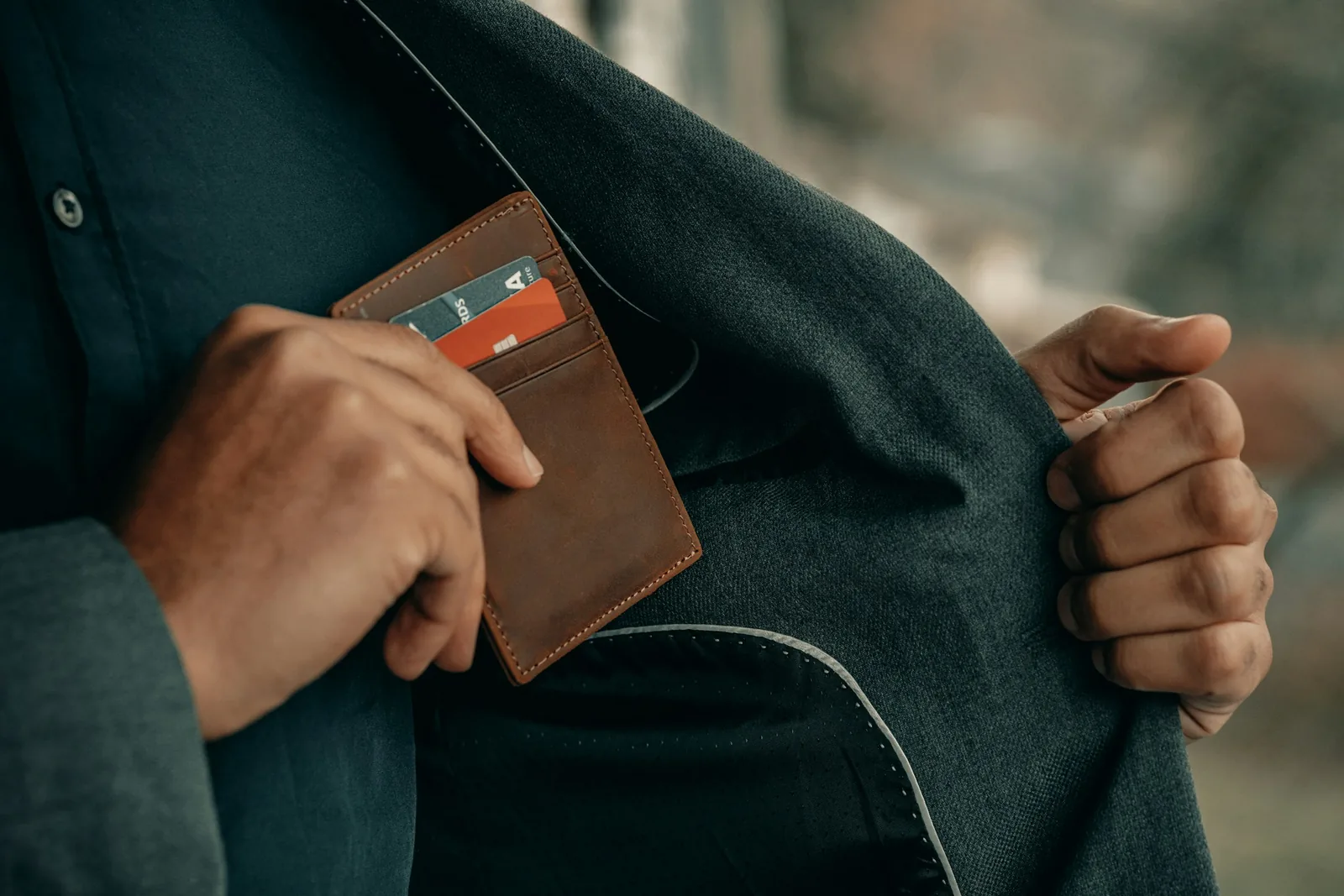
Apple and Amazon include wallets in AirTag examples, but the fit is the deciding detail. AirTag 2 is 8 mm thick before adding a pocket or holder. In a slim card wallet, that creates one hard pressure point much thicker than the surrounding cards.
A thin Find My-compatible tracking card is usually the cleaner wallet choice. Check its charging method, battery replacement, speaker, Find My support, and whether it has Precision Finding; many cards trade some AirTag capabilities for the shape. Choose AirTag only when the wallet already has a dedicated tag pocket and the extra thickness is acceptable.
Single pack vs four-pack: compare the total, not the discount badge
Buy one when you have one permanent item or want to learn how Find My, separation alerts, battery replacement, and household sharing fit your routine. An unused tracker isn’t a saving, even when a four-pack has a lower price per tag.
Buy four when keys, a daily bag, a travel bag, and a fourth durable item already have names. At checkout, compare the current four-pack total with the single-pack price multiplied by the number you’ll actually deploy. The four-pack is the better total purchase only when that math works or the extra tag has enough near-term value to justify the difference.
Pack-size check
- Name every item before opening Amazon.
- Multiply the live single price by the exact number needed.
- Compare that total with the live four-pack—not only its per-tag number.
- Include holders for keys and exposed bags in the real setup cost.
Sharing can prevent household alerts, but it has limits
One AirTag can be shared with up to five borrowers in addition to the owner, for six users total. Shared users can see the item, play its sound, and use supported nearby finding without receiving unwanted-tracking alerts for that shared item. Apple requires the appropriate Apple Account, iCloud, Keychain, software, and two-factor-authentication setup; child accounts can’t receive an AirTag share.
AirTag is still for objects, not people or pets. It includes cross-platform unwanted-tracker alerts and changing Bluetooth identifiers. Those protections are intentional and make AirTag a poor substitute for a consent-based family location feature, a pet tracker designed for animal movement, or a cellular vehicle service.
Battery life is maintainable, not maintenance-free
Apple says AirTag 2 can run for more than a year under its average-use assumptions, but sound playback, Precision Finding, temperature, battery brand, and other conditions change the result. The useful design decision is that the CR2032 cell is replaceable.
Some bitterant-coated CR2032 batteries can make poor electrical contact. Apple advises looking for packaging that says the battery is compatible with AirTag. Keep new and used coin cells away from children; they are a serious ingestion hazard.
Verify the generation and pack before checkout
The exact single linked here is Amazon child B0GJTFXNRX, Apple retail part MFE94LL/A. The exact four-pack is B0GJTXVN9Z, Apple retail part MFEA4LL/A. Both were new offers sold and shipped by Amazon when checked. The parent listing can switch pack count, and used Amazon Resale offers can appear beside the new buy box, so read the final selection rather than trusting the link label alone.
To identify hardware already in hand, Apple lists original AirTag as model A2187 and AirTag 2 as A2937. The model appears in Find My and beneath the battery. A colored key ring is an accessory; it isn’t a different AirTag hardware color or generation.
The verdict
AirTag 2 is the sensible default for a new Apple item-tracker buyer with compatible software. Put the first one on the keys or daily bag that wastes the most time. The longer nearby-finding range and louder speaker matter most when the map says “somewhere in this room” and your eyes disagree.
Don’t replace every original AirTag on principle. Keep working tags on secondary luggage when map sightings are the main value, and move the second-generation hardware to the item where nearby direction, sound, or Apple Watch finding changes the outcome. Choose a thin Find My card for an ordinary wallet, and buy four AirTags only when all four already have jobs.
Choose the verified AirTag 2 pack
Paid links. Gearsentials may earn a commission from purchases.
Best for: The exact single for one high-friction item; the exact four-pack for four planned long-term uses. Skip if: The selected child isn’t second generation, the pack count changed, or the item needs live cellular GPS.
FAQ
Is AirTag 2 worth upgrading from the original AirTag?
Not automatically. Keep a working original AirTag when map sightings and its current sound are already enough. Upgrade the tags used on frequently misplaced keys or bags when AirTag 2's longer nearby Precision Finding range, louder chime, or supported Apple Watch locating solves a recurring problem.
Which iPhones get expanded Precision Finding with AirTag 2?
Apple lists iPhone Air and iPhone 15 or later, excluding iPhone 16e and iPhone 17e, for expanded Precision Finding. AirTag 2 setup requires iOS or iPadOS 26.2.1 or later, and Ultra Wideband feature availability varies by country or region.
Does AirTag 2 have GPS or cellular service?
No. AirTag 2 broadcasts a Bluetooth signal that nearby Find My network devices can report privately. Its map position can update when another participating device passes nearby, but it isn’t a live GPS or cellular tracker.
Is AirTag 2 good for checked luggage?
It can be useful for seeing network-reported sightings, locating a bag once you’re near it, and sharing a temporary location page with a participating airline. It can’t guarantee a live location or recover a bag by itself.
Should I put AirTag 2 in my wallet?
Only if the wallet has a dedicated pocket and the extra 8 mm of thickness doesn’t bother you. A thin Find My-compatible tracking card is usually a better physical fit for a normal card slot.
Should I buy one AirTag 2 or the four-pack?
Buy one for one permanent use or to test the workflow. Buy four only when you can name four durable uses or the current four-pack total is lower than buying the exact number of singles you need. Compare the totals at checkout instead of assuming the lower per-tag cost means lower spending.
How can I tell AirTag 2 from the original?
Apple identifies the original AirTag as model A2187 and AirTag 2 as model A2937. You can see the model in Find My or beneath the replaceable battery. For Amazon, verify that the selected child explicitly says 2nd Generation and matches the intended pack count.
Sources
- Apple AirTag 2 announcement and finding-range claims
- Apple AirTag 2 technical specifications
- Apple AirTag setup requirements
- Apple iOS 26.2.1 AirTag 2 support note
- Apple Precision Finding and Find Nearby guide
- Apple Ultra Wideband device and regional availability
- Apple Watch Precision Finding requirements
- Apple Share Item Location guide
- Apple shared-item requirements and user limits
- Apple AirTag model-identification guide
- Apple AirTag battery replacement guide
- Apple Notify When Left Behind guide
- Engadget AirTag 2 range and sound test
- TechRadar AirTag 2 independent test
- Tom's Guide AirTag 2 independent test
- Macworld AirTag 2 form-factor test