Skip to content

Tech buying guides

Start with the setup problem, not the product page.

These guides focus on the decisions that change what you should buy: exact product variations, compatible ports, shared power, installation, runtime, storage, display limits, and the devices that have to work together.

Start with your problem

29 useful starting points

How Gearsentials evaluates gear

I want a robot vacuum that can handle pets, rugs, and thresholds

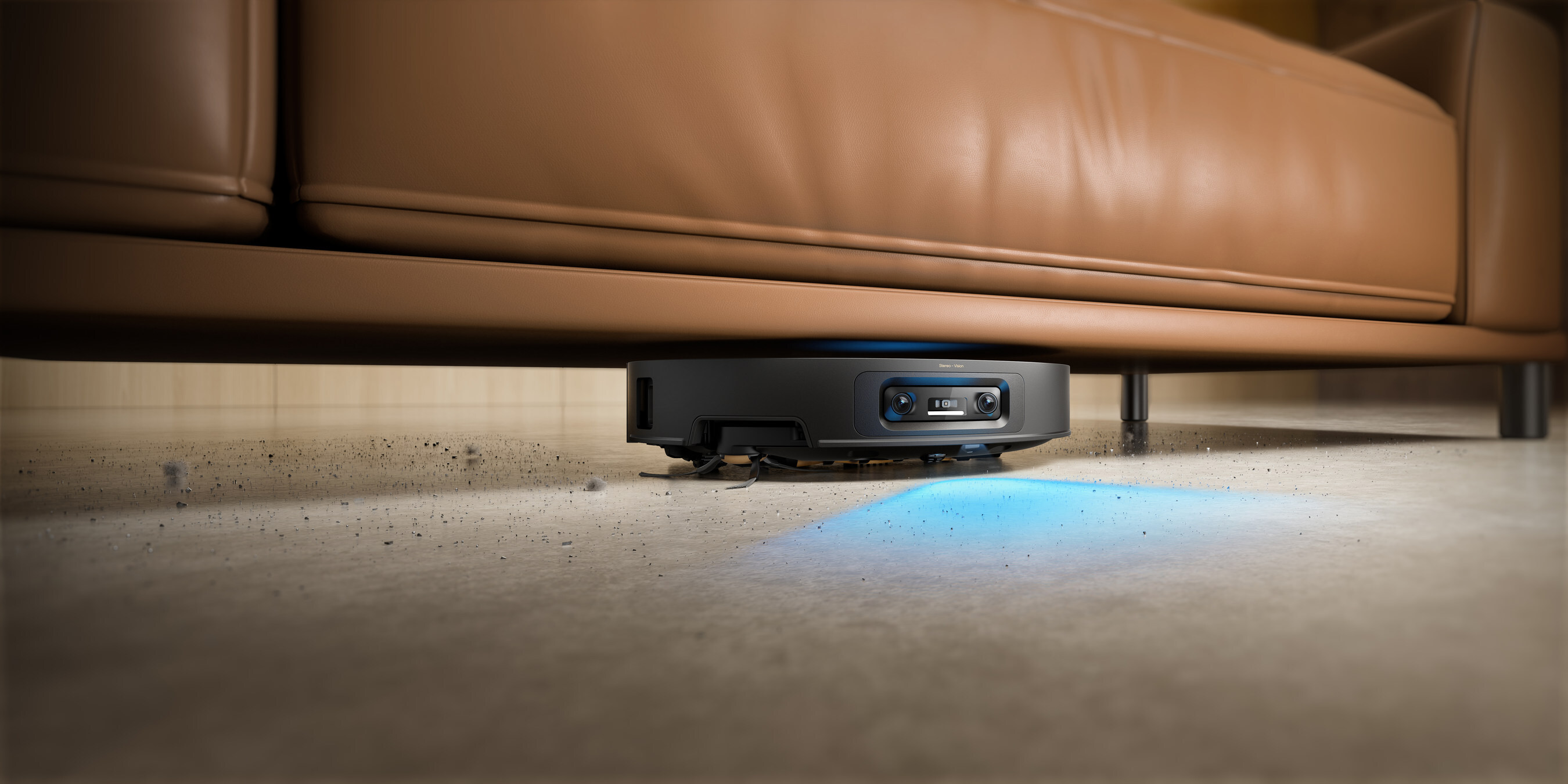
Measure the lowest furniture edge, every threshold rise and landing, problem rugs, dock service space, and normal floor clutter first. Dreame has the stronger matched pressed-in-hair and object-avoidance results; Roborock has stronger hard-floor edge evidence and the higher Vacuum Wars threshold result.

Compare Roborock Saros 20 and Dreame X60 Max Ultra Complete

I want premium noise-canceling headphones for travel and work

Try the fit with your normal glasses, then trace the connection path. Choose Sony for passive wired playback, LDAC or LC3 support, broader control, and fast top-ups; choose Bose for USB-C computer audio and the lower-clamp comfort case. Independent ANC tests are close and disagree on one winner.

Compare Sony WH-1000XM6 and Bose QuietComfort Ultra 2

My Wi-Fi is weak away from the router

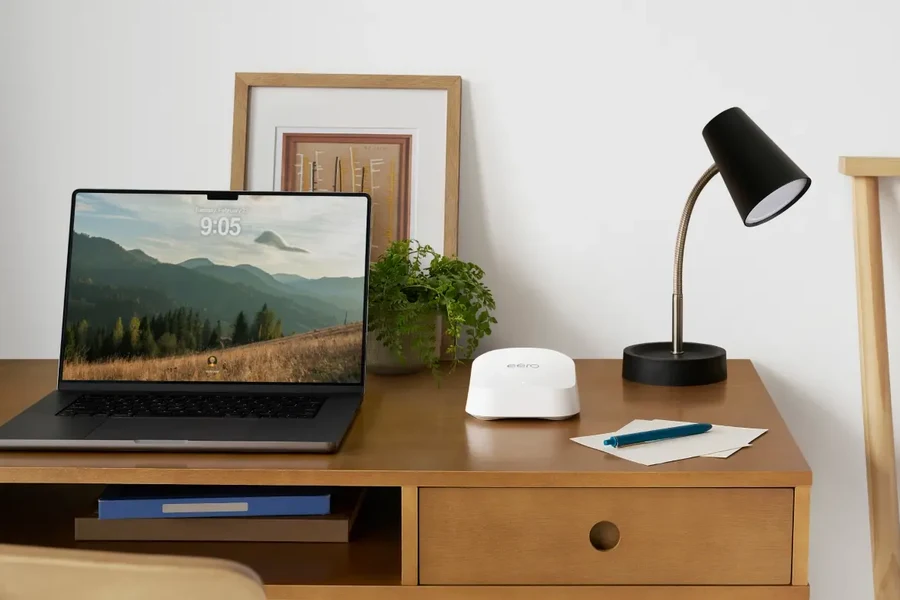
Map the modem location, weak rooms, wall materials, floors, and possible Ethernet runs first. Then choose Deco for a wired two-node system and more free router-mode controls, or use eero as the wireless-mesh starting point when simpler management or Amazon smart-home integration justifies the premium. Neither exact model has 6GHz.

Compare Deco 7 BE25 and eero 7

I want a private cloud for photos, backups, or Plex

Choose between a complete appliance and a diskless NAS first, then price every required drive, compare usable capacity, write down what happens after one drive fails, and add an independent backup. RAID and snapshots solve different problems.

Compare UGREEN DH2300 and Synology BeeStation Plus 8TB

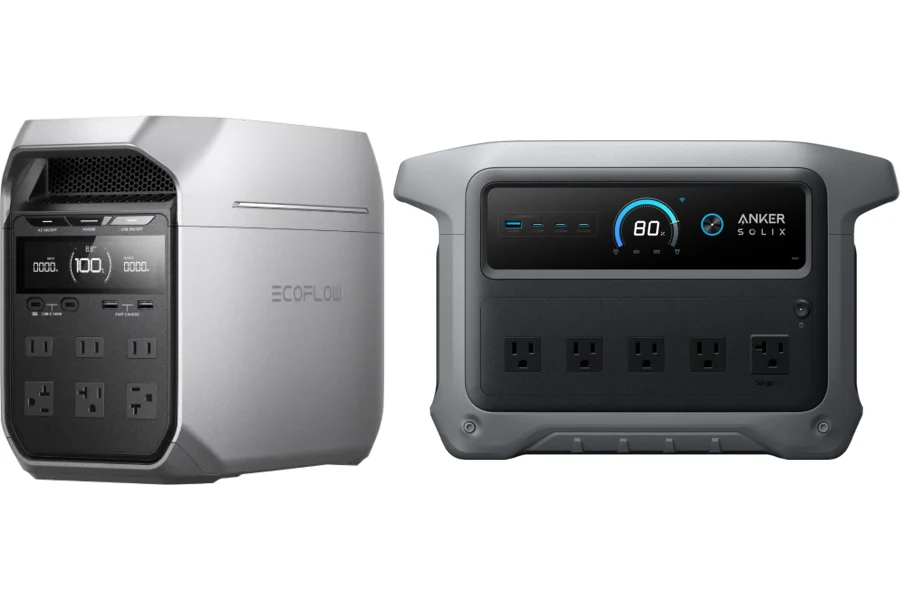
I need battery backup for an outage, campsite, or mobile work setup

Measure the average watts of everything that must run together, multiply by the hours you need, and leave room for inverter losses and startup surges. Then compare continuous output, solar input, expansion, recharge paths, transfer time, and carrying weight.

Calculate runtime and compare two 1kWh power stations

I need a MacBook for everyday work without buying too little computer

Start with the exact memory and storage, then map the heaviest apps, expected ownership, dock, external displays, local files, keyboard needs, battery routine, and repair path. The processor name doesn’t reveal the whole machine.

Compare MacBook Neo and the M5 MacBook Air
Show 23 more setup problems

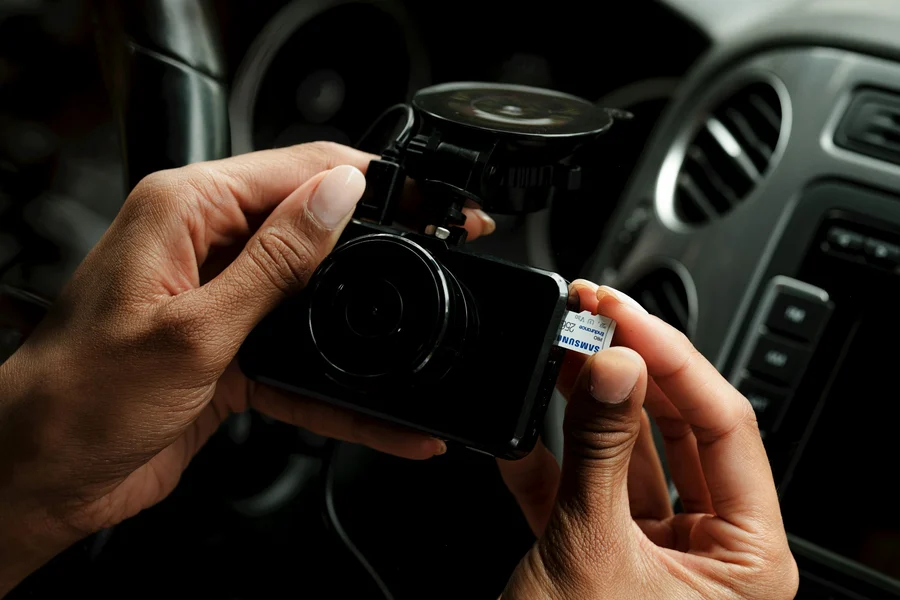
I want road, cabin, and rear dash-cam coverage

Choose the views first, then compare simultaneous recording modes, remote-camera cable routes, parking power, high-endurance storage, and the exact rear-camera variation. A three-channel box isn’t a complete parked-car installation.

Compare VIOFO A329S 3CH and Vantrue N4 Pro S

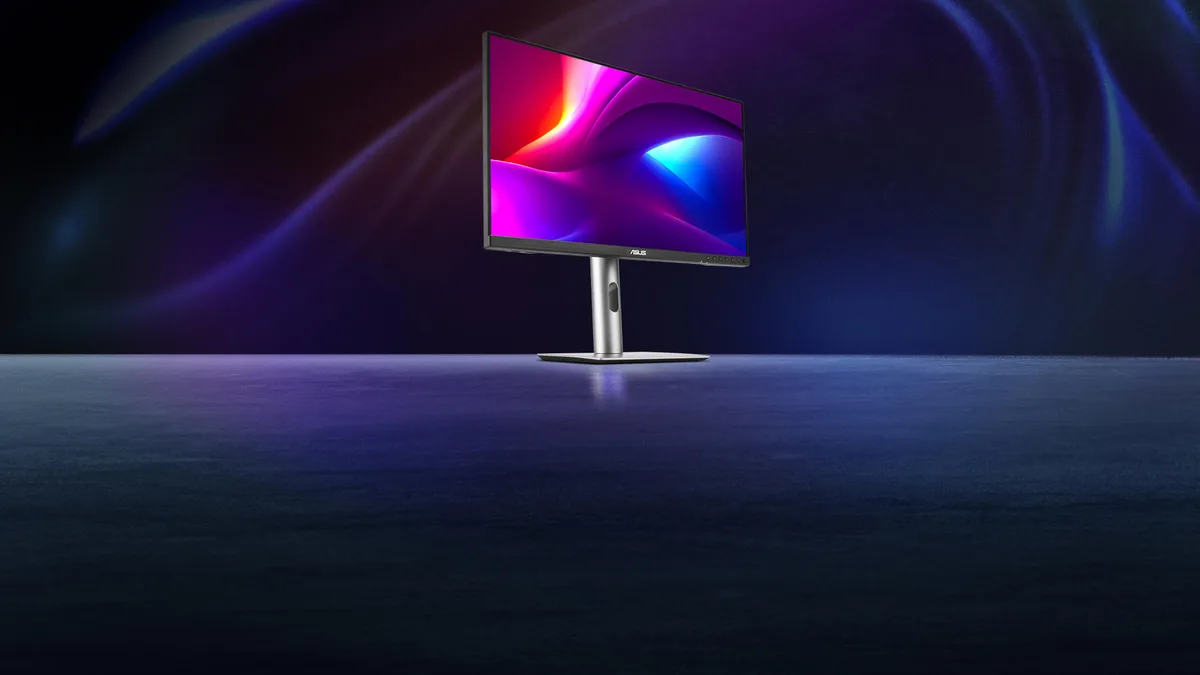
I want a sharp 5K monitor for my Mac desk

Separate shared 5K pixel density from the decisions that change the desk: glossy or matte surface, included stand, camera and audio, Thunderbolt or ordinary inputs, KVM, host support, and whether either display solves HDR or high-refresh work.

Compare Studio Display 2026 and ASUS PA27JCV

I want noise-canceling AirPods without buying the wrong fit

Choose between a sealed silicone-tip fit and an open ear canal first, then compare isolation, ANC battery, controls, hearing eligibility, workout sensing, phone requirements, and the exact ANC variation.

Compare AirPods Pro 3 and AirPods 4 with ANC

I want a smart ring for sleep and recovery

Use the generation-specific sizing kit first, then compare all-night comfort, battery routine, offline storage, membership cost, phone support, and whether wellness trends—not medical diagnosis—fit the job.

Compare Oura Ring 5 and Ring 4

I need one charger for a laptop setup

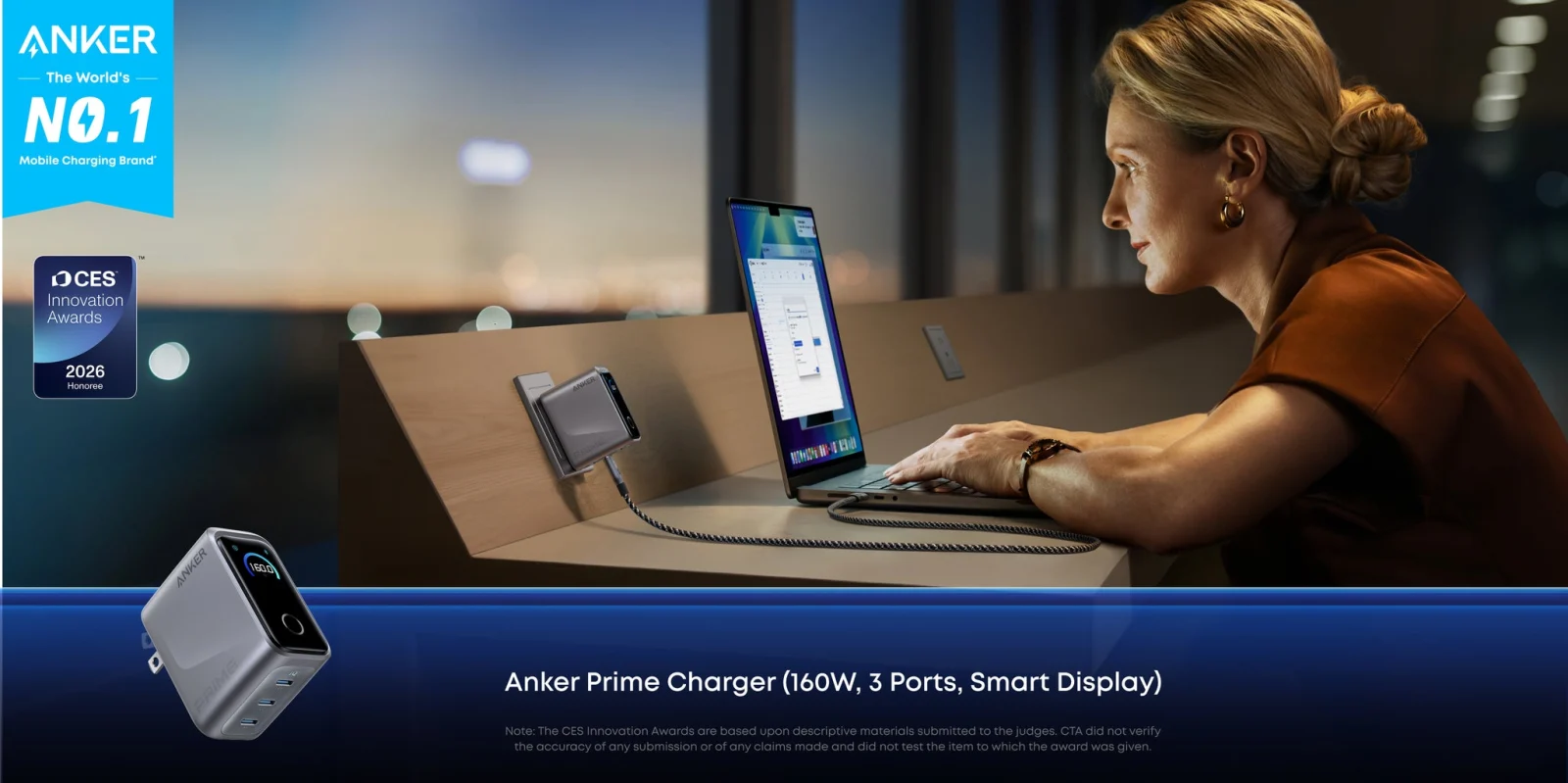
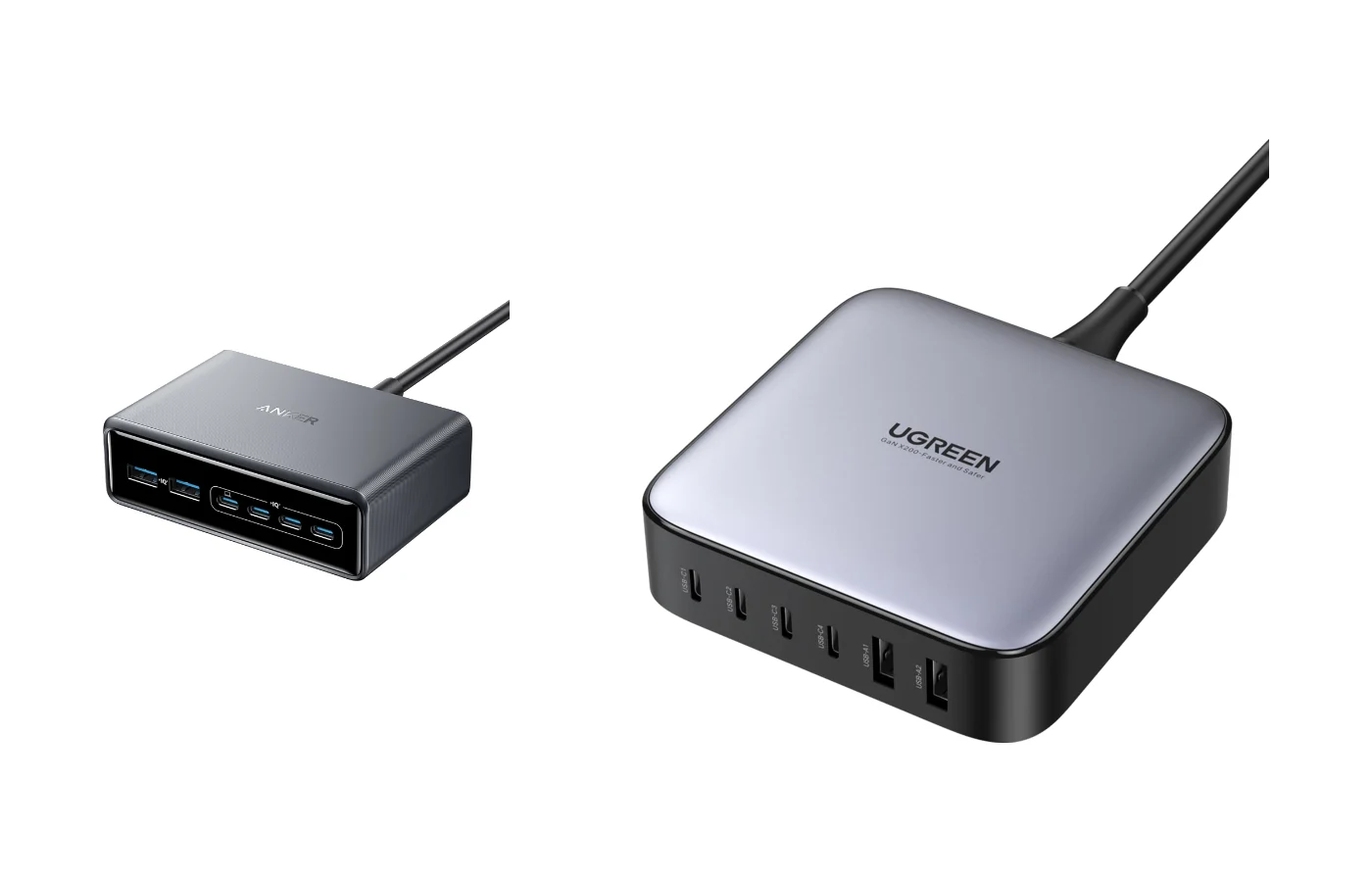
List the devices that charge at the same time, then choose the 160W wall charger for one 140W-class laptop and travel or the 200W station for two laptops and up to six desk devices.

Compare Anker Prime 160W and 200W

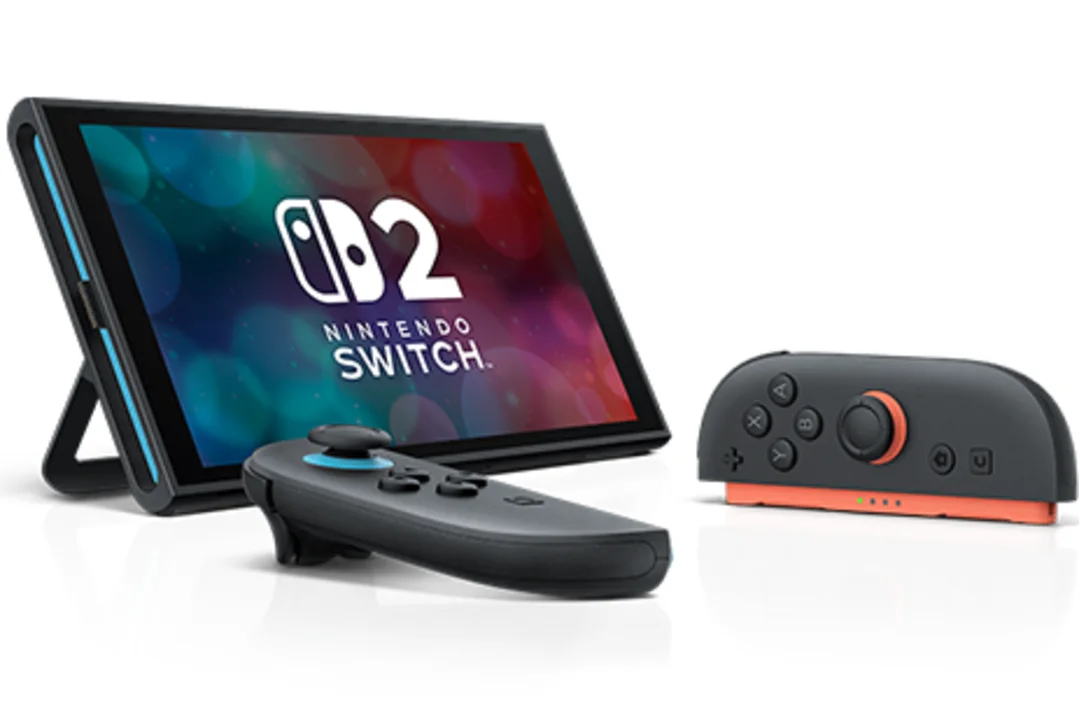
I need more Switch 2 game storage

Verify microSD Express before comparing brands, then total the games you want installed and check the exact capacity, seller, shipper, warranty, and current offer.

Compare 256GB Switch 2 storage cards

I want to track keys, luggage, or an everyday bag

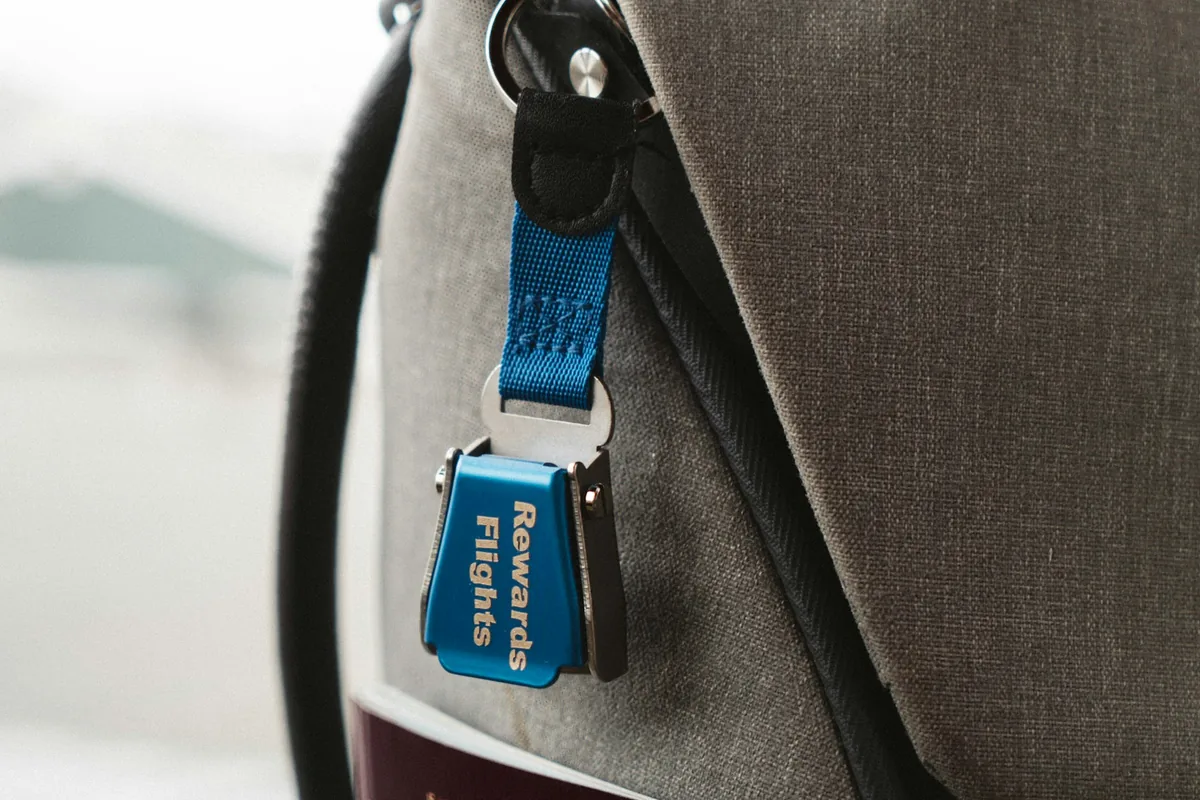
Check the phone and Watch first, then separate nearby Precision Finding from distant Find My network sightings. A normal wallet may need a thinner card-shaped tracker.

Choose the right AirTag 2 pack

I need wireless microphones for two-person video

Choose the recording workflow first: powered case or charging hub, visible transmitter or locking lav, internal backup or live camera path, and whether timecode changes the edit.

Compare DJI Mic 3 and RØDE Wireless GO Gen 3

I want open-ear earbuds, but I don’t know if Shokz Plus is worth it

Separate the two verified Plus-only upgrades—Qi case charging and Dolby Audio—from the fit, drivers, controls, calls, and battery class shared by both models.

Compare Shokz OpenFit 2 and OpenFit 2+

I want a Kindle, but I don’t know whether color is worth it

Count the books where color changes meaning, then compare monochrome contrast, page size, storage, battery, and Signature conveniences.

Compare Kindle Colorsoft and Paperwhite

I need my first interchangeable-lens camera for video

Compare the real 4K60 field of view, factory lens, stabilization crop, battery, recording duration, and future lens system—not just megapixels.

Compare the Canon R50 V and Sony ZV-E10 II

I want an MX Master 4 for my Mac without buying the wrong package

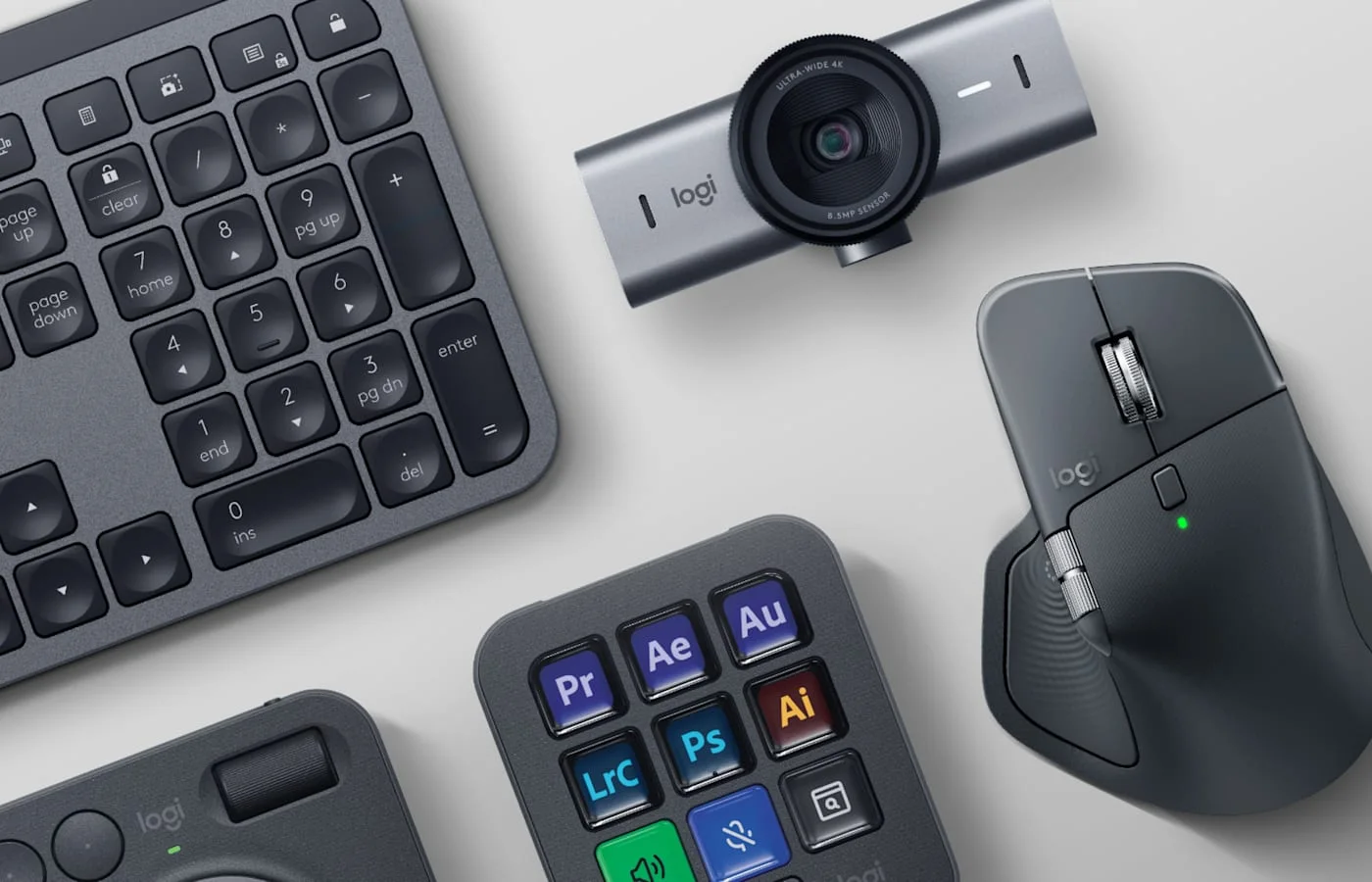
Compare the receiver in the box, finish, exact part number, and current offer before assuming the Mac label adds different hardware.

Choose the right MX Master 4

My Wi-Fi is weak in rooms away from the router

Map the weak rooms, fixed modem location, wall construction, wired backhaul options, and devices that need speed before choosing a mesh pack.

Choose an eero Wi-Fi 7 system

I want a video doorbell without buying the wrong subscription

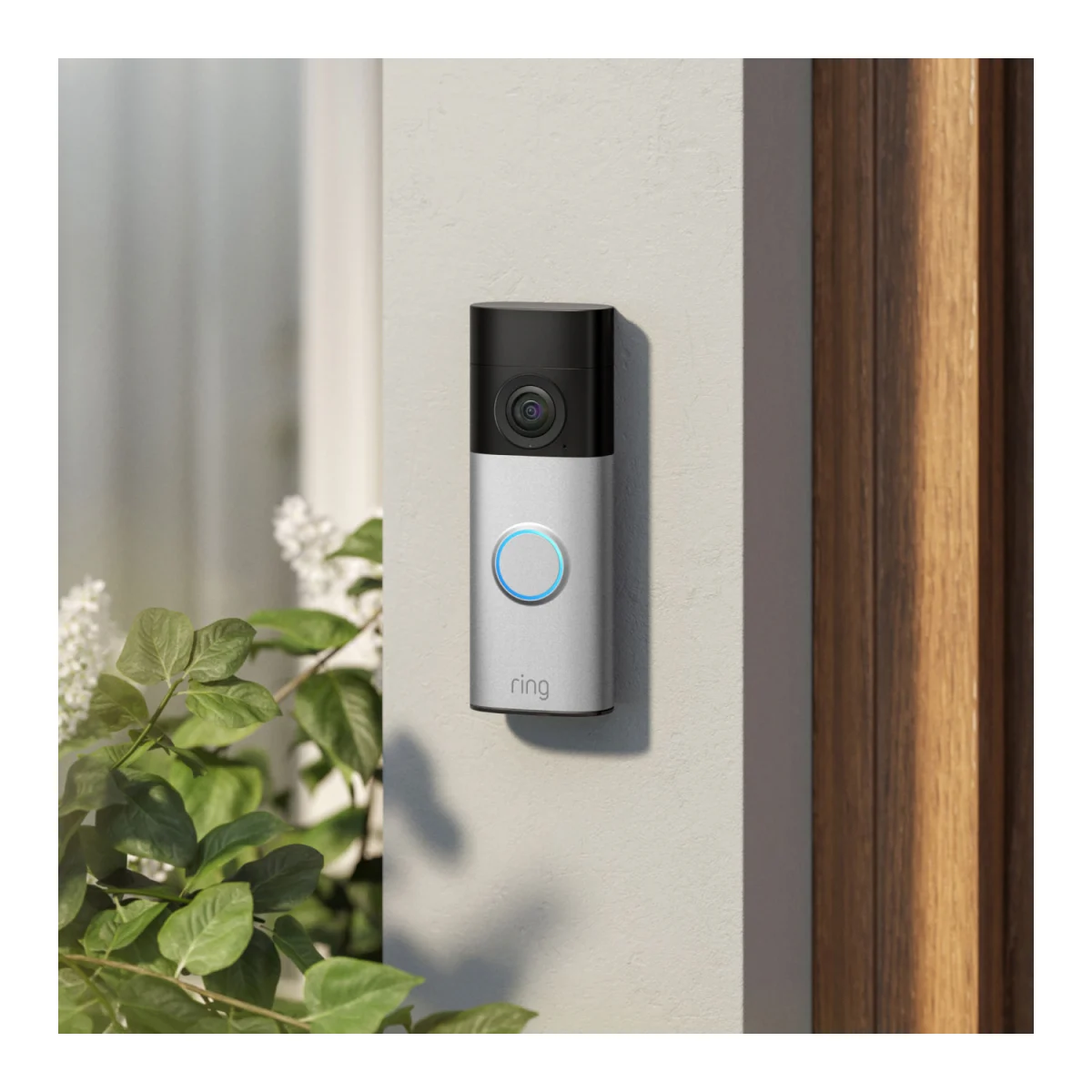
Decide whether live-only use is enough, then check recording costs, recharge downtime, front-door Wi-Fi, mounting view, and smart-home support.

Compare current Ring battery doorbells

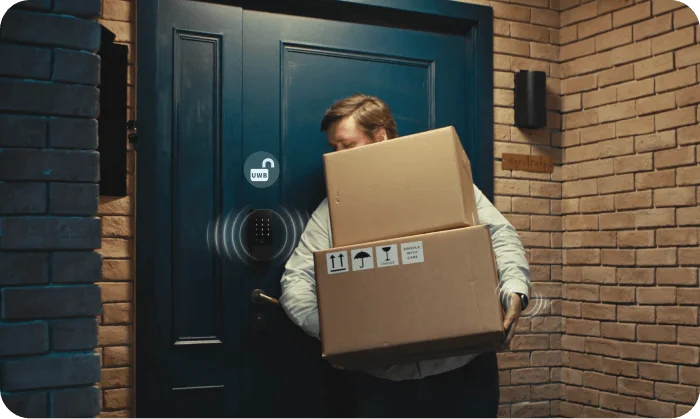
I want my door to unlock as I approach

Verify the phone, operating system, Thread-enabled home hub, deadbolt type, door measurements, and the entry method that still works when the battery is low.

Compare hands-free Home Key locks

I need a streaming stick for this television

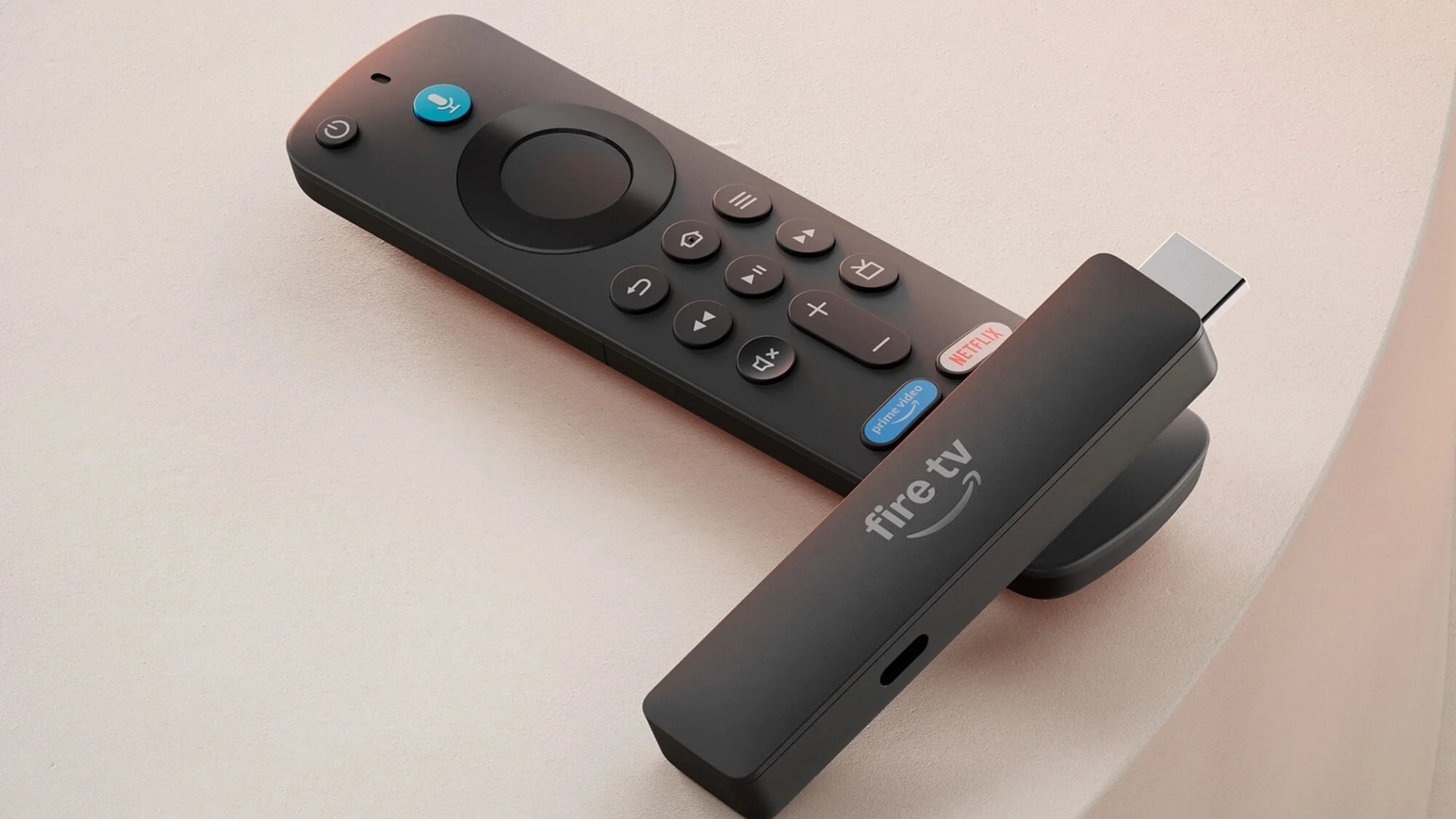
Check the television resolution and HDR formats, then verify every must-have app on the exact operating system before comparing prices.

Compare current Fire TV Sticks

I need laptop power for a flight

Start with the exact printed watt-hours, then compare laptop output, cable setup, weight, and the operating airline's current rules.

Choose an under-100Wh power bank

I need fewer adapters on my desk

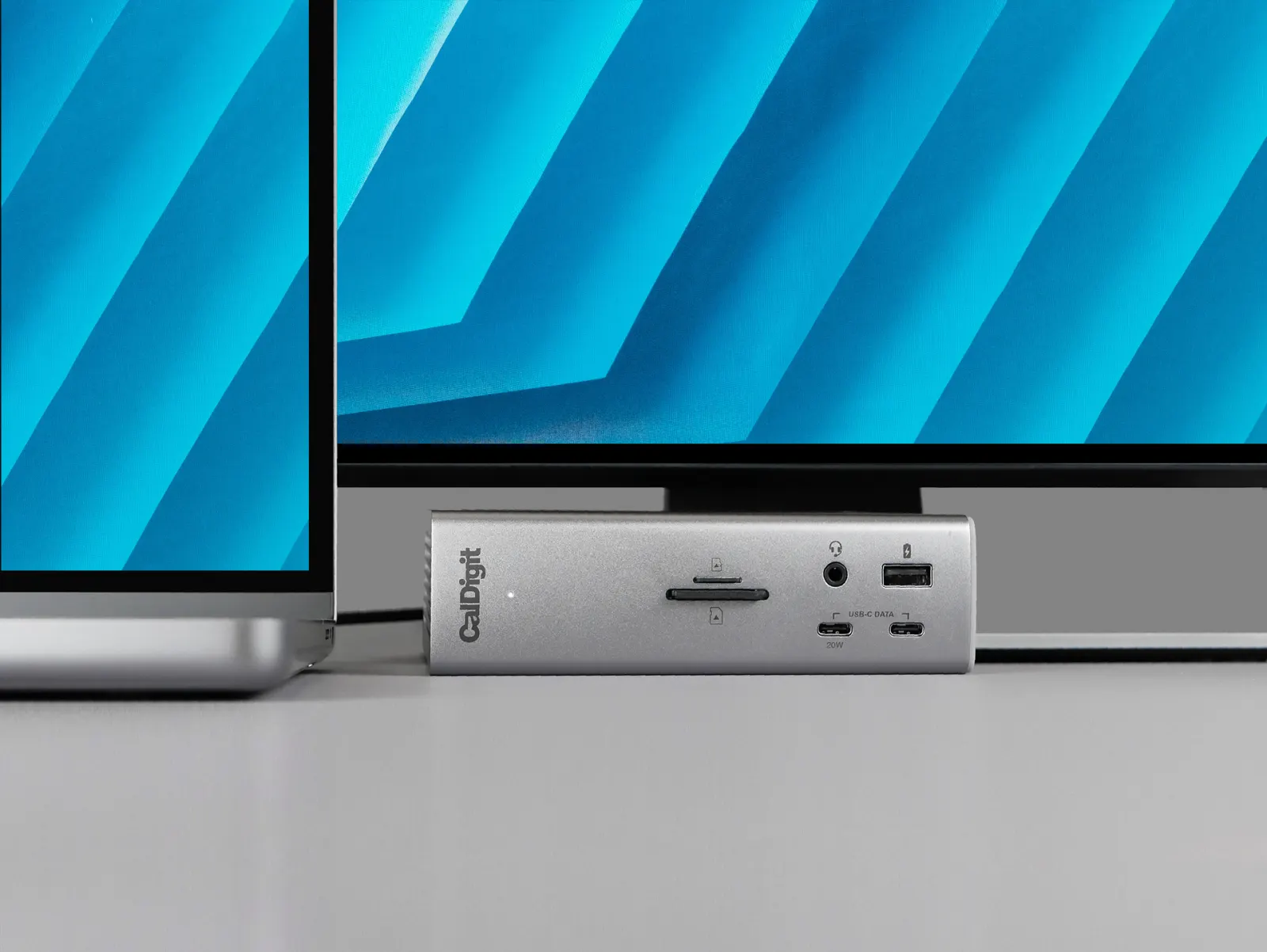
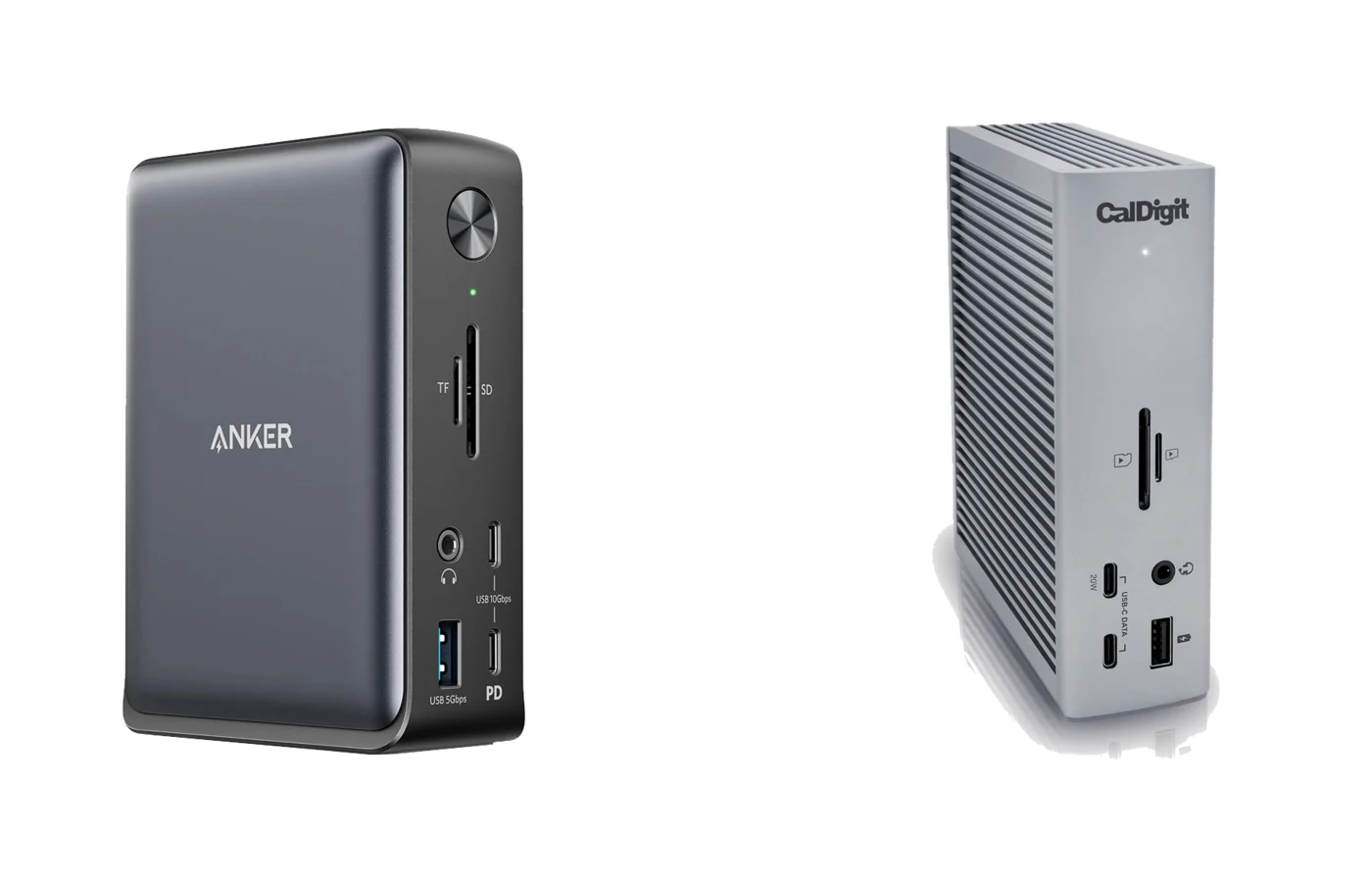
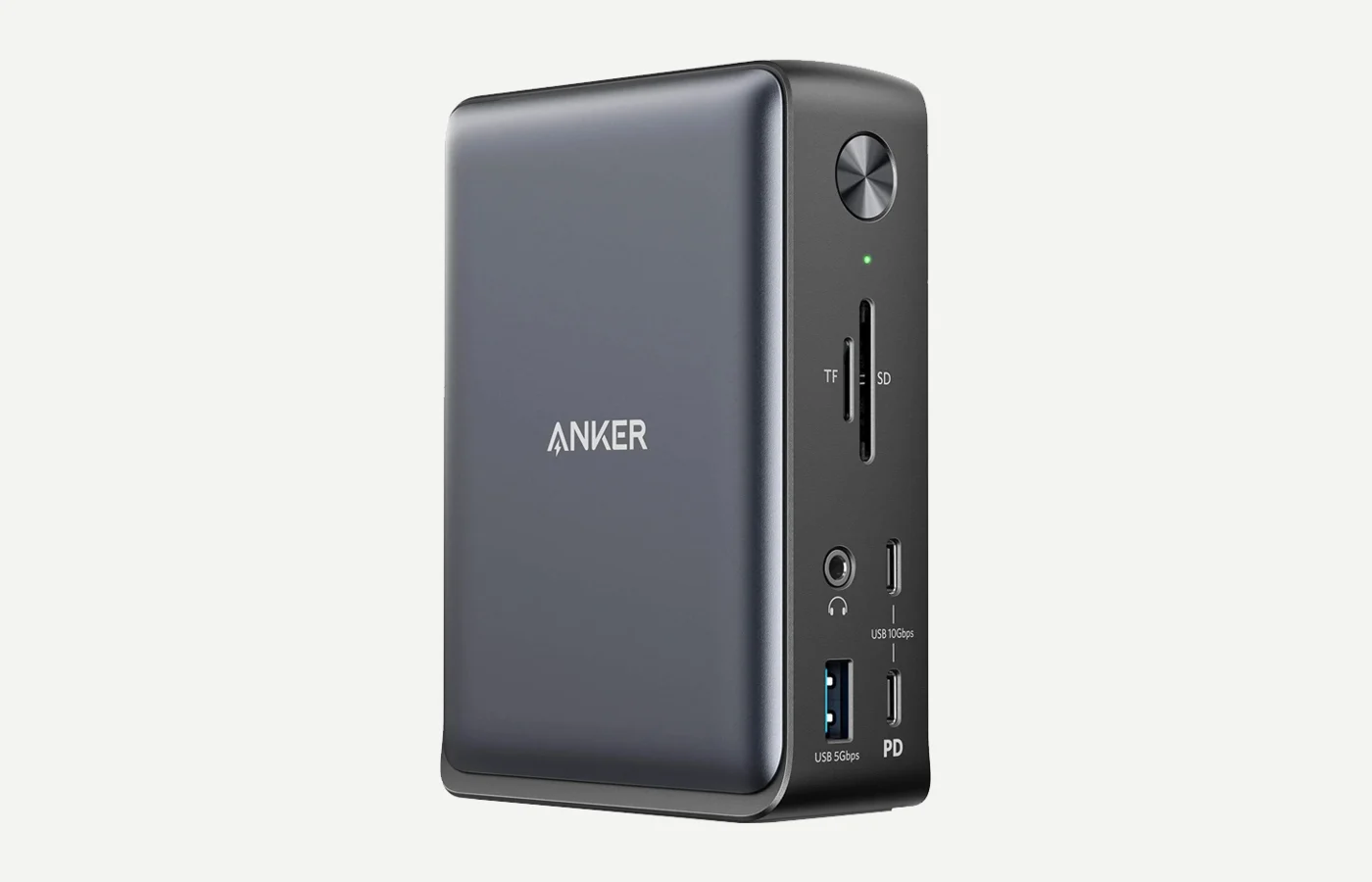
Start by checking the displays, charging power, and fastest peripheral your laptop needs to run through one cable.

Choose a dock type

I charge two laptops at once

Look past the total wattage. The useful detail is how much power two USB-C ports can deliver simultaneously.

Compare 200W chargers

I want faster magnetic phone charging

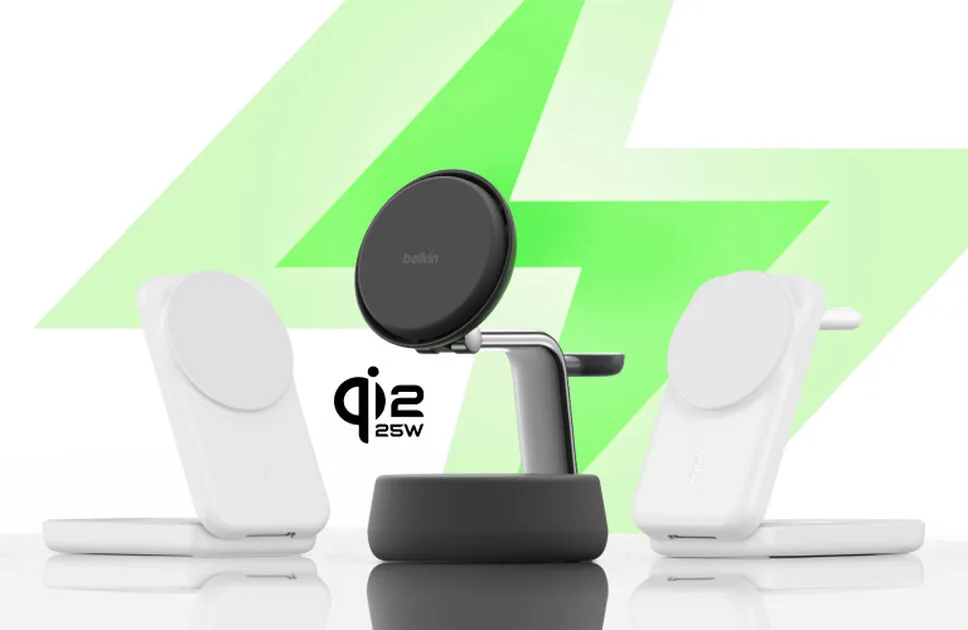
Verify the phone, software, case, charger certification, and wall adapter before paying for a 25W badge.

Compare Qi2 25W and 15W

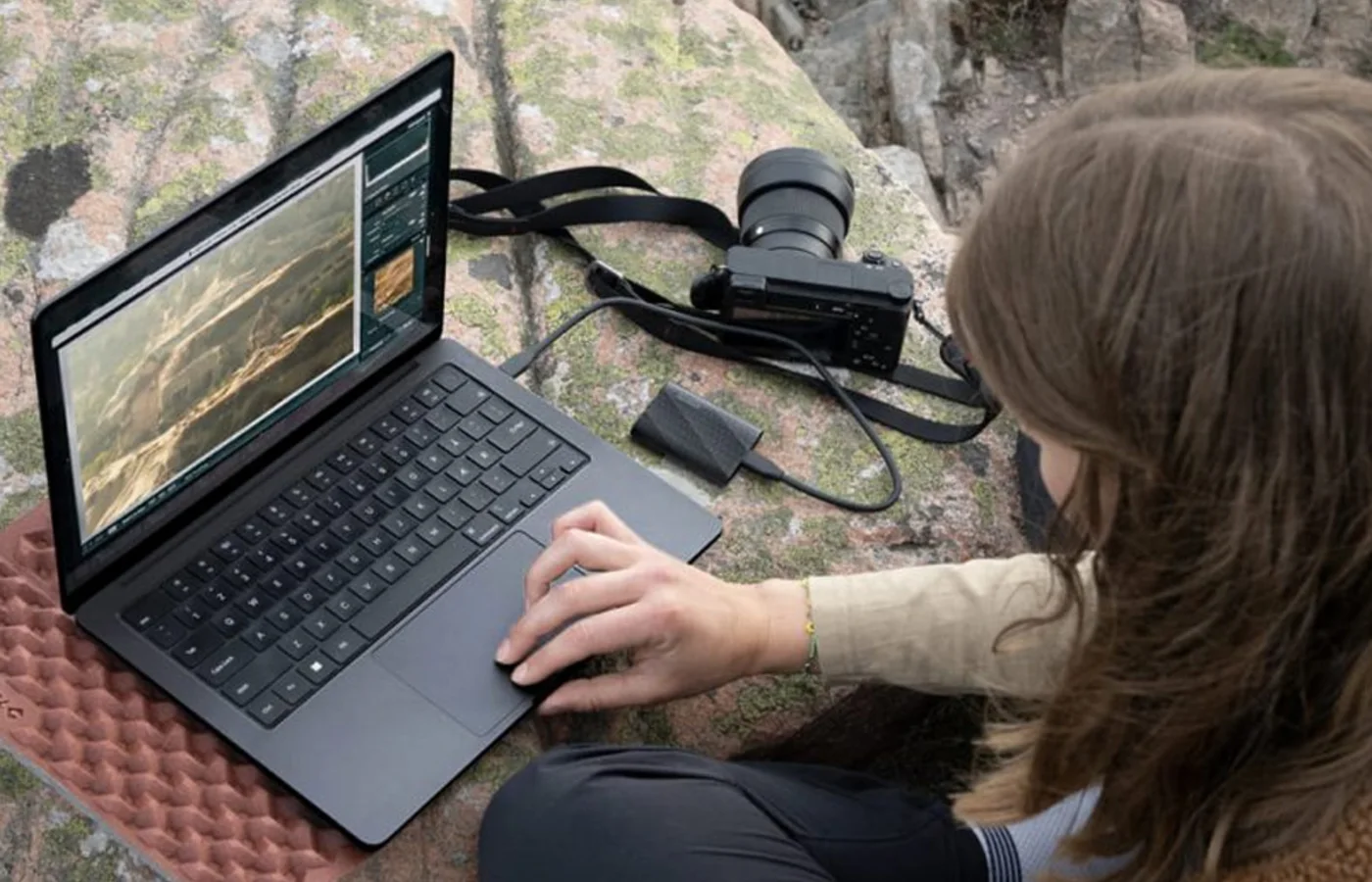
I need fast portable storage

Confirm the computer's USB mode before paying for a 20Gbps drive, then compare durability, software, and weight.

Compare portable SSDs

I want a private big screen without carrying a monitor

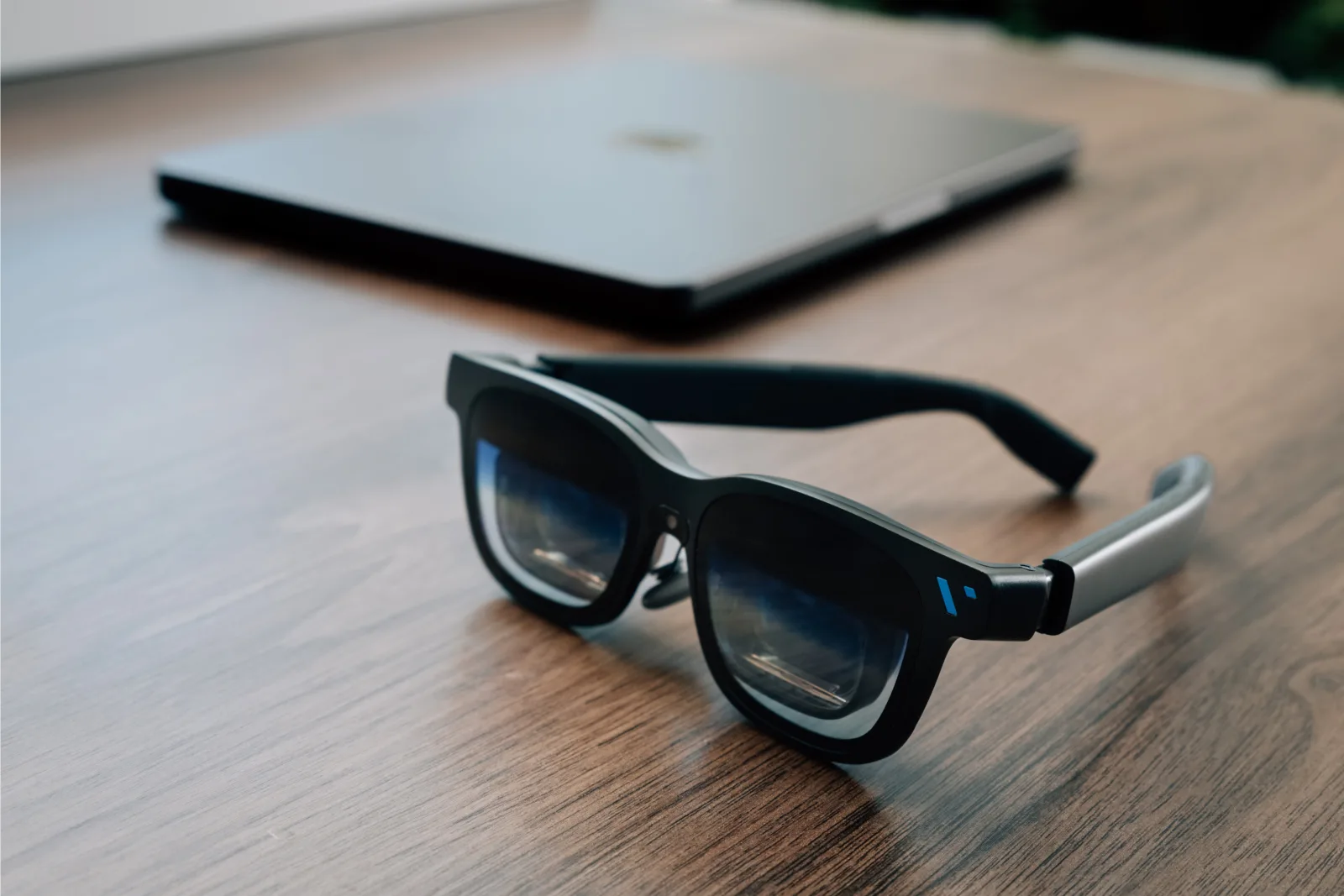
Verify USB-C DisplayPort Alt Mode, native screen anchoring, adapter and power requirements, and prescription fit before comparing image specs.

Compare display glasses

Network storage

Choose a NAS or personal cloud around the complete drive configuration, usable capacity, failure recovery, backup path, local access, applications, and network ceiling.

Check first

Decide whether you need a ready-to-run appliance or user-selected drives, then price the whole system and write down what happens after one drive fails, the device fails, a folder is deleted, or the internet goes down.

Common mistake

RAID isn’t backup, snapshots on the same device aren’t an independent copy, raw drive capacity isn’t usable capacity, and a diskless enclosure price isn’t the cost of a working NAS.

Portable power

Choose a power station around measured energy use, continuous output, required runtime, recharge paths, solar limits, expansion, portability, and safe backup behavior.

Check first

Measure the average watts of every device that must run together, multiply by the required hours, then verify continuous output, startup surge, solar voltage and current, wall-charge draw, transfer time, and physical handling.

Common mistake

Watt-hours are stored energy, watts are output, surge isn’t continuous capacity, and a nameplate battery rating doesn’t guarantee the same energy at the AC outlets or the advertised runtime in your setup.

Laptops

Choose a laptop around the exact memory, storage, display, ports, battery, service path, and sustained workload—not the processor badge alone.

Check first

Name the heaviest real apps, years of expected ownership, local storage, external displays, dock or peripheral path, travel routine, and whether memory or storage can ever be upgraded.

Common mistake

A current chip doesn’t guarantee enough memory, equal-capability USB-C ports, multiple-display support, a backlit keyboard, or a configuration that will still fit the workload later.

Car tech

Choose dash cams and other vehicle technology around the exact coverage, installation path, power source, storage plan, legal constraints, and model variation.

Check first

Name the views that matter, map the cable route, verify the rear-camera variation, add the card and parking-power hardware, and check local mounting and audio-recording rules.

Common mistake

A 4K, 360-degree, or parking-mode badge doesn’t prove every channel has the same detail, every plate will be readable, or the base box is a complete parking kit.

Monitors

Choose a display around pixel density, surface, brightness, motion, color workflow, inputs, stand, host compatibility, and the other desk hardware it can replace.

Check first

Name the computers, usable workspace, room reflections, input path, charging need, stand height, and whether separate camera, audio, or dock hardware already exists.

Common mistake

Matching resolution doesn’t guarantee the same coating, clarity, brightness, motion, HDR, controls, inputs, or supported host behavior.

Wearables

Choose smart rings and other wearables around fit, continuous wear, useful measurements, recurring costs, device compatibility, and the limits of wellness data.

Check first

Use the exact sizing process, name the measurements that would change a decision, and total any membership or size-specific accessory cost before buying.

Common mistake

A newer sensor platform or health score isn’t proof of medical accuracy, and a wearable that doesn’t fit comfortably can’t collect consistent data.

Gaming

Choose console storage and accessories around the exact platform standard, capacity plan, game library, account behavior, and current product variation.

Check first

Verify the console, required storage standard, exact capacity, what data can move, and whether the selected product child still matches the model named in the guide.

Common mistake

A familiar card brand or speed badge doesn’t replace the console's required standard, and a larger printed capacity doesn’t equal the same amount of usable space.

E-readers

Choose a reading display around the books, document formats, artwork, storage, accessibility needs, and library ecosystem you use.

Check first

Open the actual library and separate prose, monochrome manga, full-color art, fixed-layout documents, audiobooks, and third-party app needs.

Common mistake

A color display isn’t a universal upgrade: its extra layer can change monochrome contrast, while a small screen can still limit dense visual pages.

Creator gear

Build camera and production kits around framing, stabilization, audio, recording duration, lenses, power, and the final publishing workflow.

Check first

Name the shot, frame rate, working distance, recording length, audio path, and lenses already owned before comparing camera bodies.

Common mistake

A resolution or frame-rate badge doesn’t reveal crop, heat, stabilization, lens cost, or whether a body-only offer is ready to shoot.

Networking

Fix coverage and connection-path problems by matching the router, node count, backhaul, ports, and controls to the actual home.

Check first

Map the weak rooms, modem or ONT location, wall construction, wired connections, and whether mesh nodes can use Ethernet.

Common mistake

Buying the fastest router class doesn’t fix poor placement, dense walls, a slow client, or a weak wireless path between nodes.

Chargers

Match wired port allocation or a wireless charging profile to the exact devices, software, and accessories in the setup.

Check first

For wired charging, list simultaneous devices. For wireless charging, verify the phone, software, case, and input adapter.

Common mistake

A headline wattage is a ceiling, not a guarantee that every port or phone receives it continuously.

Streaming

Choose streaming hardware and portable projectors around the room, display surface, operating system, required apps, picture formats, placement, and power setup.

Check first

List every must-have app, then verify the exact device OS, room brightness, native resolution, placement, HDMI path, and available power.

Common mistake

Similar product names don’t guarantee the same operating system or app support, and a portable projector's maximum image or battery claim doesn’t describe full-brightness daytime use.

Smart home

Choose connected entry and monitoring gear around physical fit, power, networking, storage, platform requirements, and useful fallbacks.

Check first

For locks, measure the door and name every required entry method. For cameras, verify power, Wi-Fi, recording costs, and the real mounting view.

Common mistake

A smart-home badge doesn’t guarantee plan-free recording, native platform support, reliable outage behavior, or the right physical fit.

Travel tech

Reduce travel friction by checking public-Wi-Fi workflows, VPN recovery, power inputs, airline rules, tracker compatibility, and what must stay accessible in the cabin.

Check first

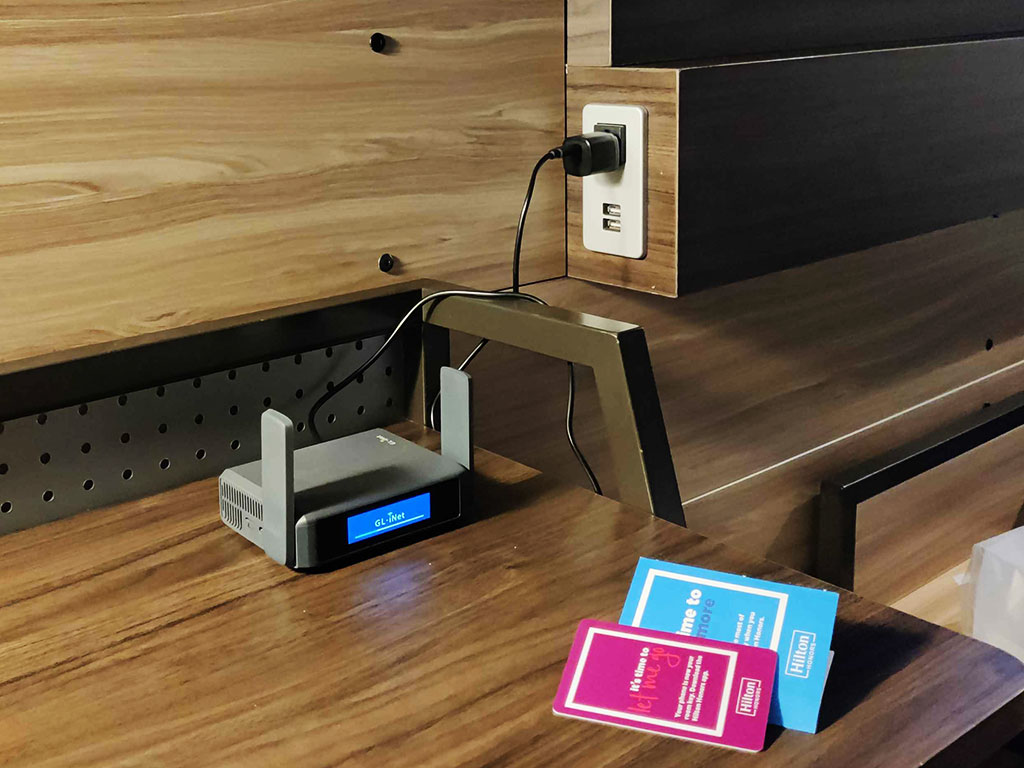
For routers, practice the hotel login and confirm the power profile. For batteries, verify the printed watt-hour rating and carrier. For trackers, check the phone and software.

Common mistake

Wi-Fi 7 doesn’t guarantee 6GHz or faster hotel internet, a large mAh number doesn’t prove airline acceptance, and a Find My sighting isn’t live GPS.

Portable storage

Choose capacity, interface speed, durability, and software around the computers you really use.

Check first

Confirm the fastest USB or Thunderbolt mode supported by the computer and connection path.

Common mistake

Paying for a 20Gbps drive doesn’t make a 10Gbps computer transfer files at 20Gbps.

Buying guides

Solve the setup problem first, then decide which products deserve space and money.

Check first

Name the bottleneck—display, power, storage, networking, or travel weight—before shopping.

Common mistake

Buying accessories in random order can add clutter without fixing the setup's limiting problem.