
Kindle Colorsoft vs Paperwhite
Color sounds like an easy upgrade until it changes the black-and-white page too. The answer depends on whether color is part of what you read or just part of the cover.
By Adam Anderson, Editor and CEO
This article contains paid Amazon links. Gearsentials may earn a commission from qualifying purchases. Affiliate standards.
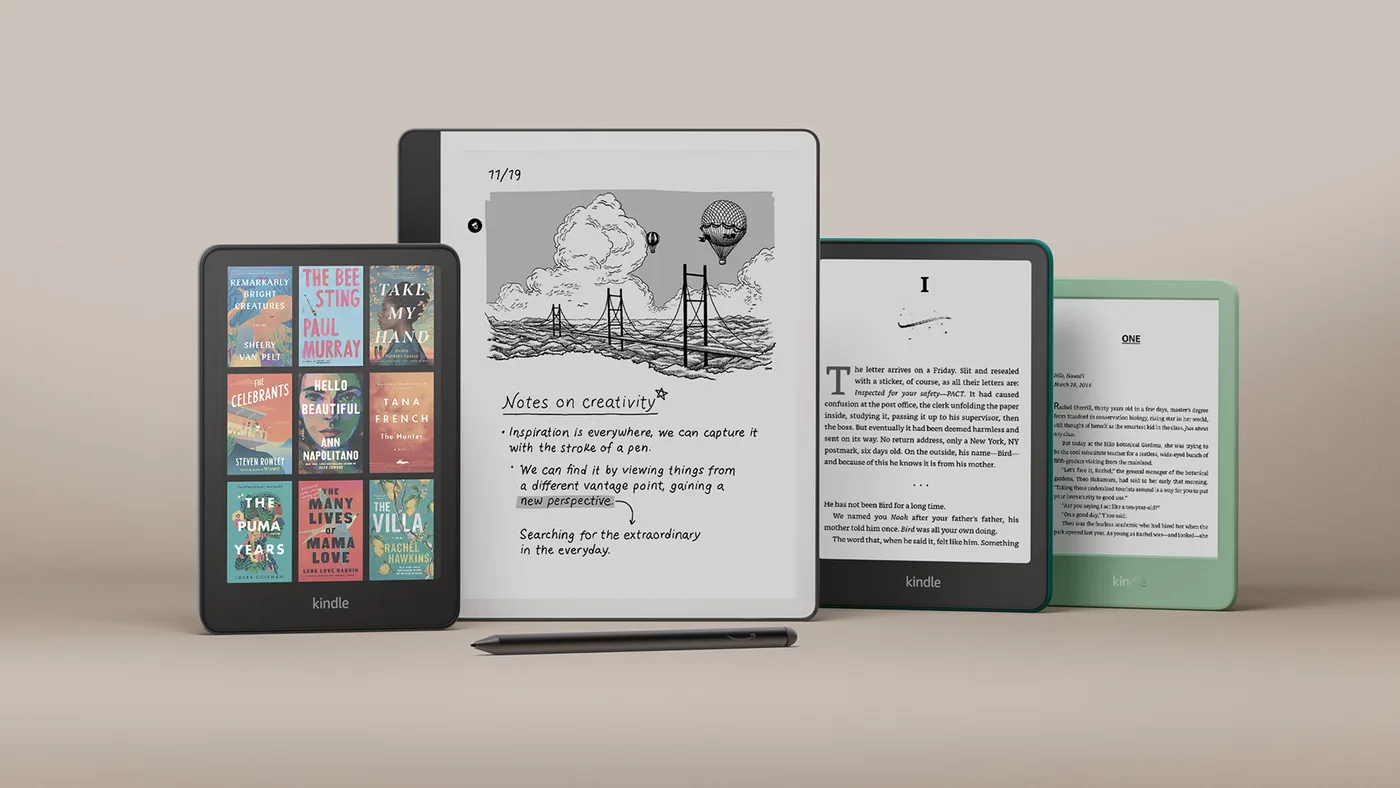
Use a color threshold, not a product hierarchy
Colorsoft sounds like the model above Paperwhite, but it’s better understood as a different display choice. Use this threshold before comparing storage or Signature features.
| What you read | Useful color frequency | Start with | Why |
|---|---|---|---|
| Novels and narrative nonfiction | Rare | Paperwhite | The monochrome page is the product |
| Mostly black-and-white manga | Occasional covers or inserts | Paperwhite | Color does little on most pages |
| Textbooks with charts and maps | Frequent and meaningful | Colorsoft | Color can preserve distinctions |
| Full-color graphic novels | Most pages | Colorsoft—with a size warning | Color helps, but seven inches is small |
| Cookbooks and travel guides | Depends on title | Check the actual format | Layout and image use matter more than genre |
| Color-coded research highlights | Every session | Colorsoft | Highlight color becomes functional |
Compare the standard models
Paid links. Gearsentials may earn a commission from purchases.
Color changes the black-and-white page too
Amazon rates both families at 300 pixels per inch for black-and-white content. Colorsoft drops to 150 ppi when it renders color. That means “Colorsoft has lower-resolution text” is the wrong diagnosis: the nominal black-text resolution is the same.
The visible difference comes from the display stack. Amazon says Colorsoft uses coatings and an optical layer to produce color. Independent side-by-side testing by Ars Technica and Expert Reviews found Colorsoft’s unlit page darker or greyer and its monochrome presentation less clean than Paperwhite’s. The front light can compensate for brightness; it can’t remove the color-filter texture.
That difference is difficult to prove with manufacturer renderings. If text contrast is the deciding factor, compare the devices in person or buy from a seller with a workable return window. Don’t infer screen quality from a promotional image.
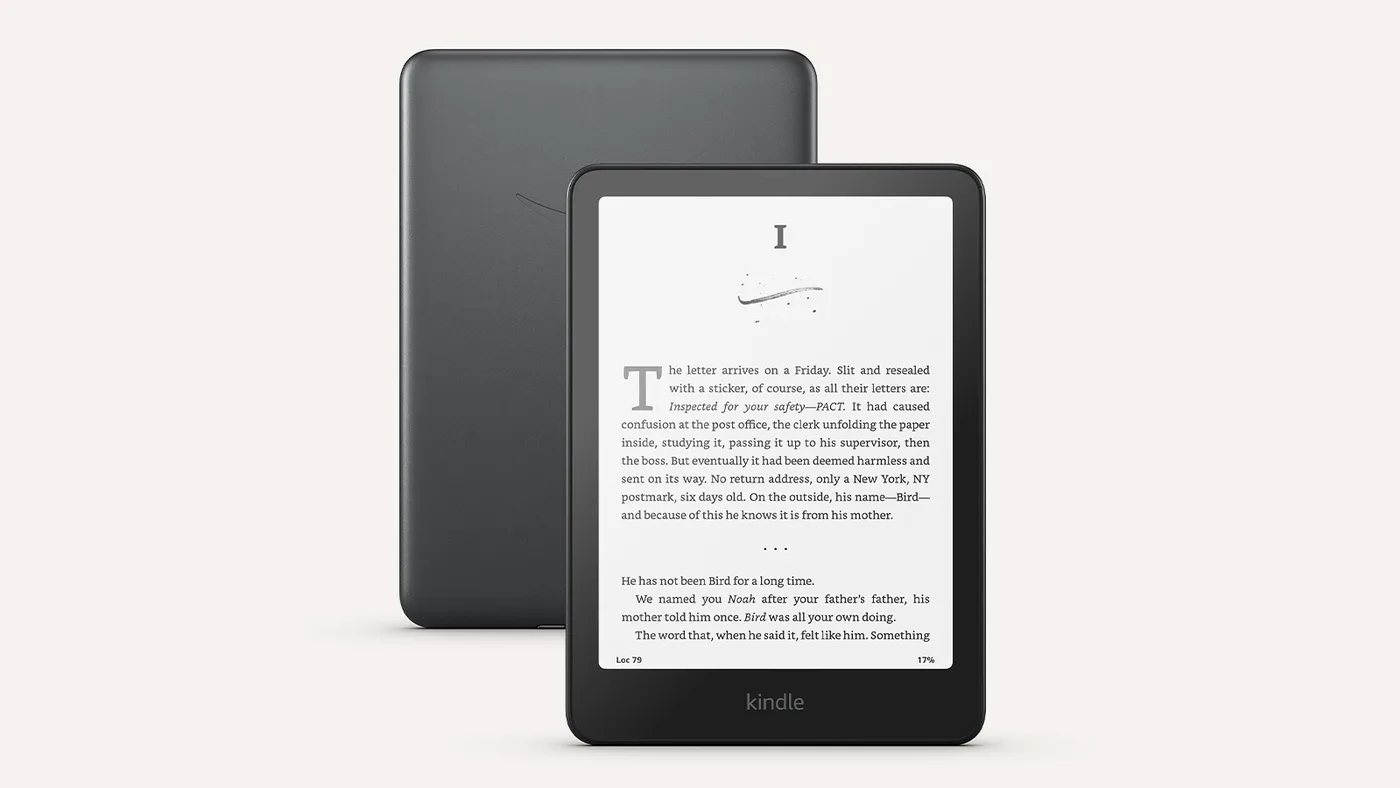
The current lineup is four adult models, not two
The 2024 Paperwhite family has a 16GB standard model and a 32GB Signature Edition. The original 2024 Colorsoft was the 32GB Signature Edition; Amazon added a lower-feature 16GB Colorsoft in July 2025. Amazon still identifies both Colorsoft models as first generation. The 16GB model isn’t a documented “Colorsoft 2.”
| Model | Display | Storage | Auto brightness | Qi charging | Claimed battery |
|---|---|---|---|---|---|
| Paperwhite | 300ppi monochrome | 16GB | No | No | Up to 12 weeks |
| Paperwhite Signature | 300ppi monochrome | 32GB | Yes | Yes | Up to 12 weeks |
| Colorsoft | 300ppi B&W / 150ppi color | 16GB | No | No | Up to 8 weeks |
| Colorsoft Signature | 300ppi B&W / 150ppi color | 32GB | Yes | Yes | Up to 8 weeks |
Amazon’s current device-identification page incorrectly lists automatic brightness and wireless charging under the standard 16GB Colorsoft too. Its product-specific launch announcement and current wireless-charging compatibility page reserve those features for Signature Edition. This guide follows those model-specific sources.
Signature means convenience, not a better reading panel
Within either family, Signature Edition buys 32GB of storage, automatic brightness adjustment, and compatible Qi wireless charging. It doesn’t raise the Paperwhite’s monochrome resolution or the Colorsoft’s color resolution.
Sixteen gigabytes is generous for prose. Image-heavy comics and graphic novels are much larger, and Audible downloads can consume storage quickly. Choose 32GB when you keep a large offline visual or audio library—not because a larger number sounds safer.
Automatic brightness controls brightness, not warmth. Every current model in this comparison has an adjustable warm light; the standard models require manual brightness changes. Qi is a desk convenience, and the dock is a separate purchase.
Compare the Signature models
Paid links. Gearsentials may earn a commission from purchases.
Colorsoft is better for color comics—but seven inches is still seven inches
Full-color art is the clearest reason to buy Colorsoft. Its colors are subdued compared with a conventional tablet, which is normal for this kind of reflective color display. The benefit is a paper-like, low-glare screen; the cost is less saturation and 150 ppi color detail.
Page size remains the bigger limitation for dense layouts. Full-page speech bubbles can be small, and zoom or guided panel behavior depends on the publisher’s formatting. Colorsoft can’t install Marvel Unlimited, DC Universe Infinite, or other tablet apps. A larger Scribe Colorsoft or tablet may be a better visual reader when size, vivid color, stylus work, or third-party apps matter.
Manga isn’t an automatic Colorsoft win. Most interior pages are black and white, so the Paperwhite often provides the more useful daily advantage. Check whether your actual series has frequent color pages before paying for color hardware.
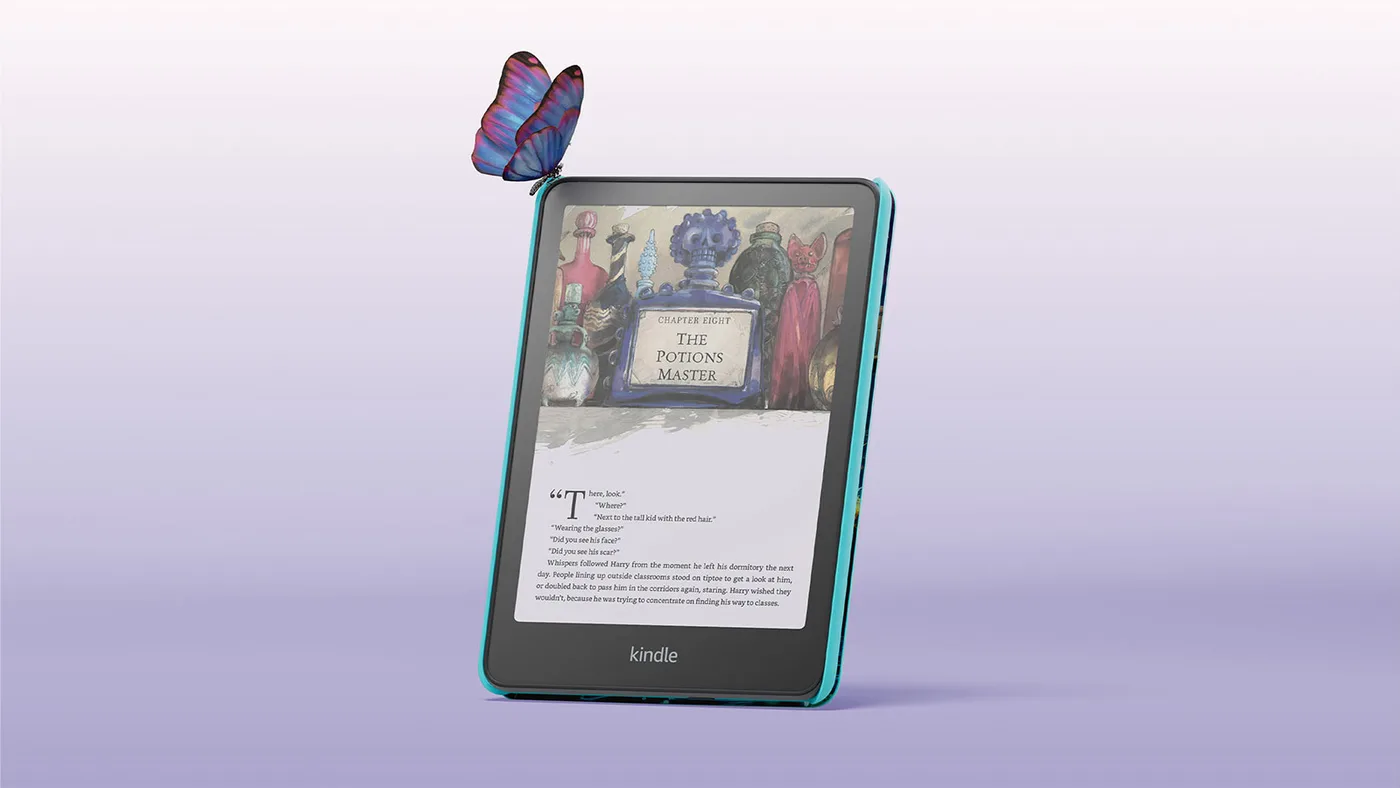
Battery favors Paperwhite; charging speed isn’t the point
Amazon rates Paperwhite for up to 12 weeks and Colorsoft for up to eight weeks under controlled assumptions. Those numbers are not a promise for a specific reader. Front-light level, Wi-Fi, indexing, Bluetooth audio, and color-heavy refreshes all change real runtime.
The useful conclusion is directional: Paperwhite has the longer official ceiling. Both standard models charge over USB-C, and only the Signature versions add Qi. Wireless charging makes it easier to keep a Kindle topped up; it doesn’t make the battery last longer away from the dock.
Both are water resistant, not damage-proof
Amazon rates the current Paperwhite and Colorsoft families IPX8 for accidental freshwater immersion under defined test conditions. Treat that as protection against mistakes, not permission to ignore water, salt, soap, chlorine, or a wet USB-C port. Dry the device according to Amazon’s instructions before charging it.
The yellow-band history deserves one practical check
Some launch Colorsoft units showed a yellow or uneven band near the bottom of the screen. Amazon acknowledged the issue, adjusted production, and offered replacement or refund paths. Later reviewers have received clean units, but no reliable public data establishes a current failure rate.
Inspect a new Colorsoft during the return window. Open a mostly white page, test several brightness and warmth settings, and look for a tint or gradient that bothers you during normal reading. One clean review sample can’t prove every unit is clean; old launch complaints can’t prove every current unit is defective.
Compare the Kids bundles separately
The Kids models use the corresponding 16GB hardware and add a cover, parental features, a two-year worry-free guarantee, and an included Kids+ term. The current exact offers checked for this guide list six months of Kids+ with Paperwhite Kids and one year with Colorsoft Kids. Subscription eligibility and renewal terms can change, so read the selected offer before checkout.
Choose the display for the child’s library. Paperwhite Kids is the sensible default for chapter books. Colorsoft Kids earns its premium for a child who regularly reads illustrated books, graphic novels, or color comics—not simply because its cover is more colorful.
Compare the exact Kids bundles
Paid links. Gearsentials may earn a commission from purchases.
Five checks before you buy
- Open your library. Count titles where color changes meaning instead of merely decorating a cover.
- Check the exact configuration. Storage, ads, Kindle Unlimited selection, color, and Kids bundle can create different Amazon child offers.
- Separate brightness from warmth. Signature models automate brightness; all four adult models let you adjust the warm light.
- Decide whether seven inches is enough. Color can’t fix a page that’s too dense to read comfortably.
- Inspect the delivered display. Screen uniformity and perceived texture require the actual unit, not a specification table.
The verdict
The standard Paperwhite 16GB is the best default Kindle for ordinary reading. Paperwhite Signature earns the upgrade only for 32GB, automatic brightness, or wireless charging.
Colorsoft makes sense when color is a functional part of your reading: illustrated books, useful charts, full-color art, or a deliberate highlighting system. Choose Colorsoft Signature when you need those color benefits plus the Signature conveniences. Otherwise, the Paperwhite’s cleaner monochrome page is the upgrade you'll notice more often. Color is fun; cleaner text wins every page.
Recheck the four adult configurations
Paid links. Gearsentials may earn a commission from purchases.
FAQ
Is Kindle Colorsoft worth it if I mostly read novels?
Usually not. Paperwhite is the stronger default for prose because its monochrome page has higher apparent contrast, Amazon rates it for longer battery life, and color doesn’t add much inside a text-only novel. Choose Colorsoft when illustrated content or color-coded highlighting is part of the reading itself—not merely because covers look nicer.
Is Colorsoft text less sharp than Paperwhite text?
Amazon rates both at 300 pixels per inch for black-and-white content, so it’s inaccurate to call Colorsoft's text lower resolution. The visible difference is the color-filter layer: independent comparisons report a darker, grainier-looking background and lower apparent contrast on Colorsoft, while Paperwhite looks cleaner for monochrome pages.
Has Amazon fixed the Kindle Colorsoft yellow-band problem?
Amazon acknowledged the launch-era screen-uniformity problem, adjusted production, and offered replacements or refunds. Later review samples have often been clean, but there’s no reliable current defect-rate data. Inspect a new unit for uneven tint at several brightness and warmth settings while its return window is open.
Is 16GB enough for Kindle Colorsoft or Paperwhite?
It’s ample for a large prose-book library. Thirty-two gigabytes becomes more useful when you keep many image-heavy comics, graphic novels, or Audible downloads on the device at once. Storage doesn’t improve display quality or reading speed.
Which Kindle models support wireless charging?
The current Paperwhite Signature Edition and Colorsoft Signature Edition support compatible Qi charging. The standard 16GB Paperwhite and Colorsoft charge through USB-C and don’t include the Signature models' wireless-charging feature.
Which is better for manga, Colorsoft or Paperwhite?
Paperwhite is usually the better value for manga that’s predominantly black and white. Colorsoft helps with color covers and occasional color pages, but its seven-inch screen and color layer don’t automatically improve monochrome artwork. Check the formatting of the actual series you read.
Do Kindle Colorsoft or Paperwhite have page-turn buttons or a stylus?
No. Both 7-inch families use a touchscreen and neither includes physical page-turn buttons or stylus input. Kindle Scribe Colorsoft is a separate 11-inch writing device.
Can Kindle Colorsoft install comic or library apps?
No. It’s a Kindle e-reader, not an Android tablet. It can’t install third-party apps such as Marvel Unlimited or DC Universe Infinite. Content has to come through the Kindle ecosystem or a supported Send to Kindle workflow, and library-loan availability varies by region.
Sources
- Amazon 2024 Kindle lineup announcement
- Amazon 16GB Colorsoft and Colorsoft Kids announcement
- Amazon Colorsoft display engineering overview
- Amazon Kindle model identification
- Amazon wireless-charging compatibility
- Ars Technica Colorsoft and Paperwhite comparison
- Expert Reviews 16GB Colorsoft testing
- The Guardian Colorsoft review