
Samsung T9 for MacBook: is it worth it?
The T9 works with a MacBook, but the interface detail behind its headline speed can change whether it's worth paying for.
By Adam Anderson, Editor and CEO
This article contains paid Amazon links. Gearsentials may earn a commission from qualifying purchases. Affiliate standards.
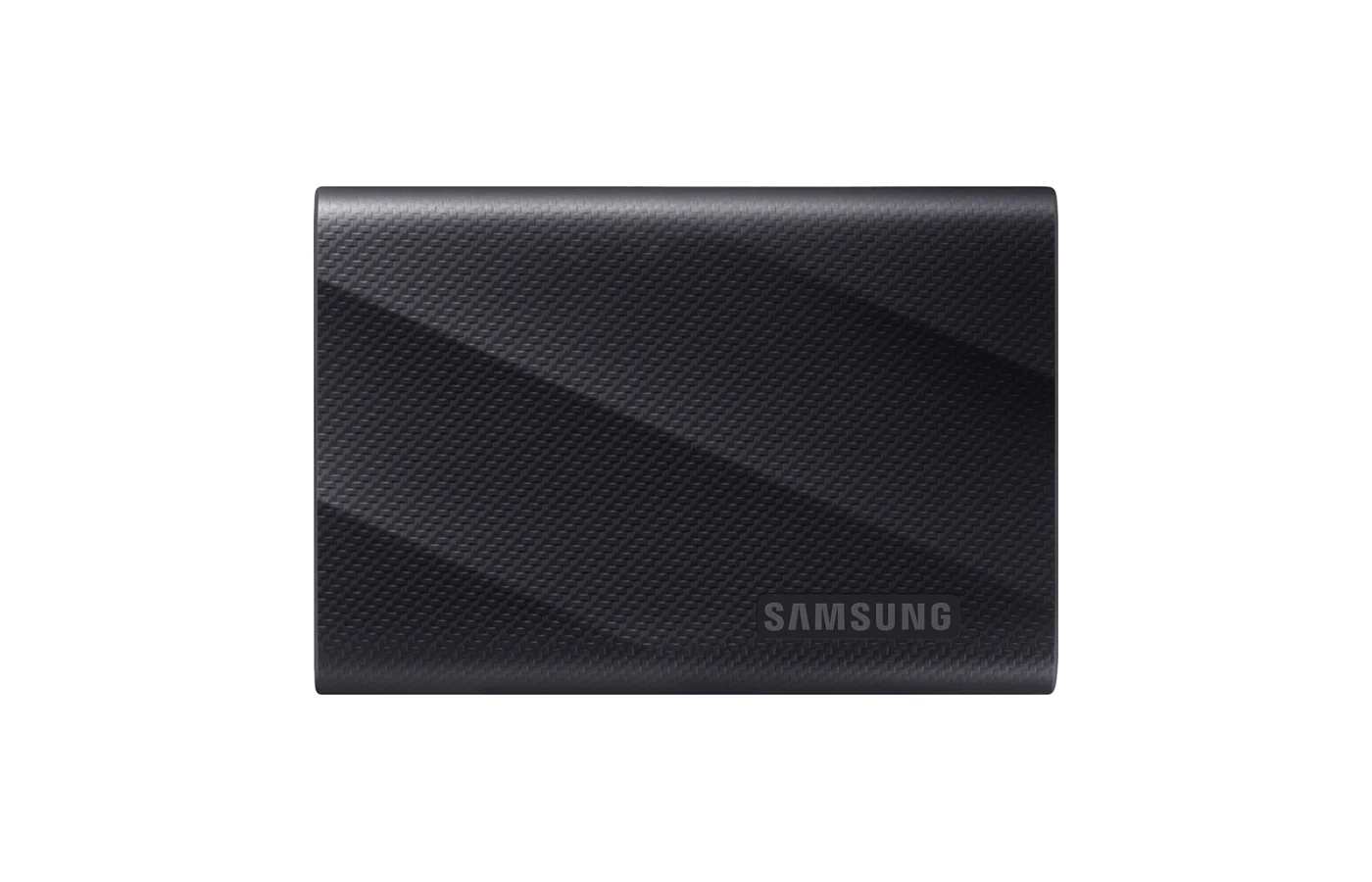
The Samsung T9 is easy to want. It's compact, built for fast transfers, and aimed at people moving big photo and video files. But if you're buying it for a MacBook, there's one detail you shouldn't skip: its headline speed depends on USB 3.2 Gen 2x2. Apple's current M5 MacBook Air and MacBook Pro specifications list Thunderbolt and USB4, but not that exact 20Gbps USB mode.
That doesn't make the T9 a bad Mac drive. It means you should buy it for the work it improves on your setup, not because 2,000 MB/s is printed on the spec sheet. Ports are rude that way: they ignore the number on the box.
Will the Samsung T9 hit 2,000 MB/s on a MacBook?
Don't assume it will. Samsung says the T9's top sequential speed requires USB 3.2 Gen 2x2. Apple's current M5 MacBook specifications list Thunderbolt and USB4, but they don't list that exact USB mode.
AppleInsider saw the practical version in testing on an M2 Max MacBook Pro. Its T9 and T7 finished smaller transfers at nearly the same pace, while the T9 pulled ahead on a much larger transfer. That's one test setup, not a promise for every Mac, but it's a useful warning against buying by the headline number.
See the current Samsung T9 listing
Paid links. Gearsentials may earn a commission from purchases.
When does the T9 make sense anyway?
You move large project folders
Camera dumps, ProRes media, Lightroom catalogs, and large project archives make a stronger case for the T9 than a folder of PDFs. Sustained behavior matters more than a quick benchmark here.
You use both Mac and Windows computers
A mixed setup gives the T9 more room to earn its keep. Just make sure the Windows port explicitly supports USB 3.2 Gen 2x2. A USB-C shape still isn't proof.
You care about a tougher travel drive
Samsung rates the T9 for drops up to three meters and includes AES 256-bit hardware encryption support. Those features won't replace a real backup, but they can matter when the drive lives in a camera bag.
Who should skip the Samsung T9?
Skip it if your MacBook is the only computer you'll use, your files are usually small, and a less expensive 10Gbps SSD covers the same capacity. You're unlikely to notice enough difference in ordinary file shuffling to justify a large premium.
I'd also skip it if the plan is to leave the drive connected through a random hub. Connect directly when performance matters, and check what your desk dock can pass through before blaming the SSD.
What should you check before buying?
- Read the port specifications for your exact Mac model.
- Be honest about the size of your usual transfers.
- Use a known-good cable and connect directly when speed matters.
- Confirm USB 3.2 Gen 2x2 on any Windows computer you plan to use.
- Compare the current price gap against a solid 10Gbps drive.
The verdict
The Samsung T9 can be a good MacBook drive, but it isn't an automatic upgrade just because its box promises a higher number. Mac-only buyers with ordinary transfers should compare it against a less expensive 10Gbps SSD first.
For creators moving larger projects, people carrying a drive every day, or anyone sharing the SSD with a confirmed 20Gbps Windows system, the T9 is easier to justify. Buy it for those reasons, not because every MacBook USB-C port will unlock the full headline speed. Buy the workflow, not the benchmark on the label.
Check the price before you choose
Paid links. Gearsentials may earn a commission from purchases.
FAQ
Does the Samsung T9 work with a MacBook?
Yes. Samsung lists Mac support in its portable SSD documentation. Performance depends on the Mac, cable, connection path, and file format.
Why might the T9 be slower than 2,000 MB/s on a Mac?
Samsung ties the maximum speed to USB 3.2 Gen 2x2. Apple's current M5 MacBook Air and MacBook Pro specifications list Thunderbolt and USB4 but don't list that exact USB mode.
Is the Samsung T9 better than the T7 Shield for a MacBook?
The T9 makes more sense for larger transfers, cross-platform 20Gbps use, or a small price gap. A 10Gbps drive may be a better value for basic Mac-only storage.
Can I edit video directly from a Samsung T9?
Potentially, but results depend on the codec, resolution, application, cable, port, and timeline. Test the real workflow and keep a separate backup.