
Samsung T9 vs Crucial X10 Pro: which SSD should you buy?
These two 20Gbps portable SSDs are close on speed. Durability, software, device mix, and the connection path on your desk are what separate them.
By Adam Anderson, Editor and CEO
This article contains paid Amazon links. Gearsentials may earn a commission from qualifying purchases. Affiliate standards.
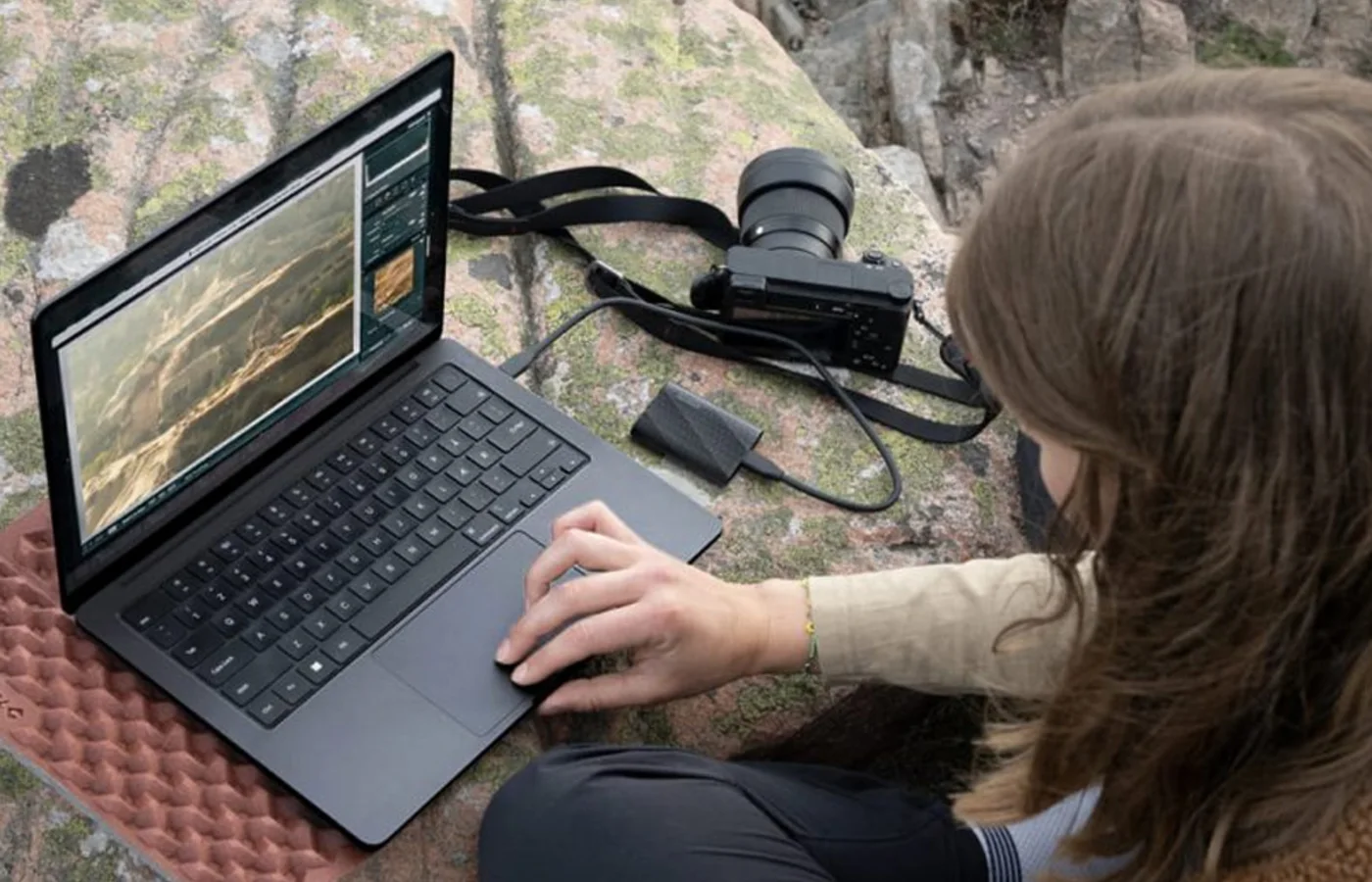
What is the real difference?
Both drives use USB 3.2 Gen 2x2 and advertise roughly 2,000 MB/s performance. Samsung lists the T9 at up to 2,000 MB/s reads and up to 1,950 MB/s writes for the 1TB and 2TB models. Crucial lists the X10 Pro at up to 2,100 MB/s reads and 2,000 MB/s writes.
That 100 MB/s paper advantage isn’t a useful buying reason by itself. Samsung and Crucial both qualify their performance claims around host configuration. A slower port, hub, cable, thermal conditions, or a pile of small files can change the result.
Which one is better for a MacBook?
Neither gets a free win. Apple's current MacBook pages list Thunderbolt and USB4, but don’t list USB 3.2 Gen 2x2. That means a MacBook buyer shouldn’t assume either drive will reach its 20Gbps headline speed.
Both drives still work as fast portable storage. The point is to avoid paying a large premium for a speed mode your main computer may not expose. Our Samsung T9 MacBook guide goes deeper on that limitation.
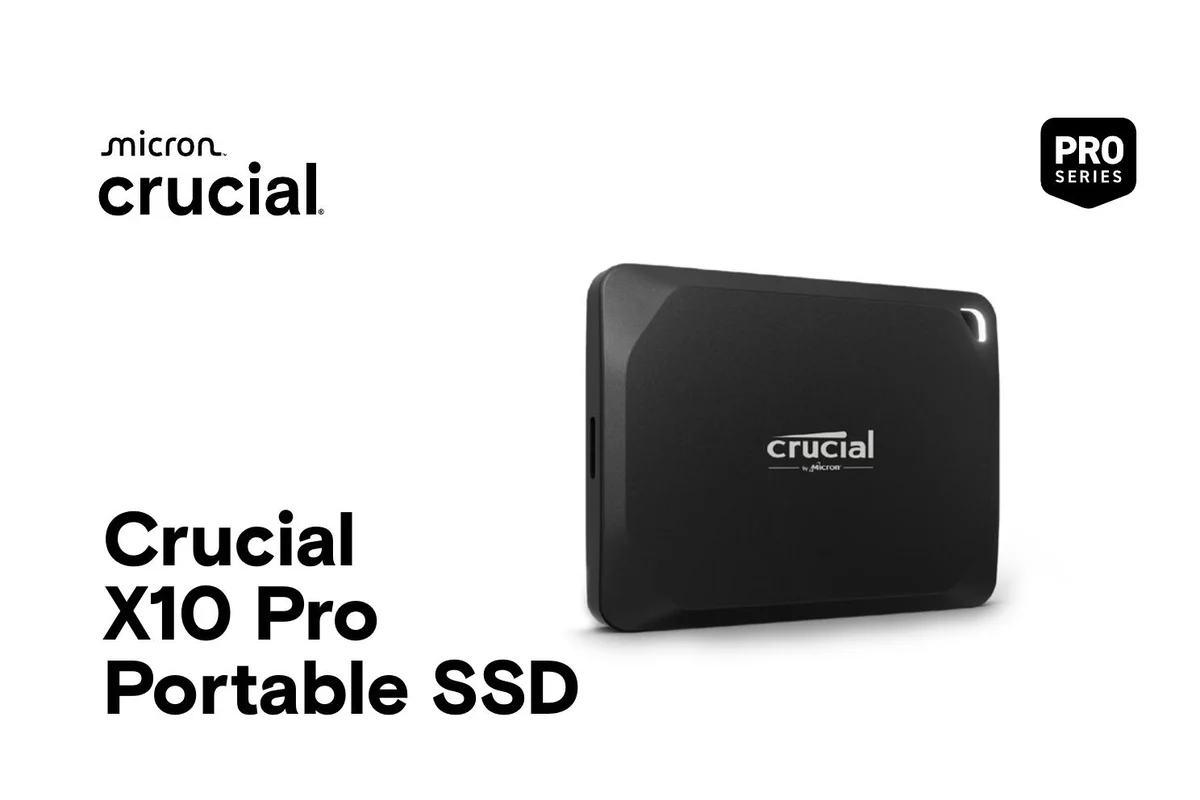
Choose the Crucial X10 Pro for creator travel
Crucial's strongest case is physical. Its data sheet lists IP55 dust and water resistance, drop protection up to 7.5 feet, and a 42-gram body. It also explicitly positions the X10 Pro for editing, trimming, and rendering directly from the drive.
That makes it the cleaner pick for a camera bag, an iPad and laptop workflow, or a small kit where weight and environmental protection matter. IP55 isn’t permission to submerge it, and no rating replaces a second copy of the files.
Choose the Samsung T9 for software and security
Samsung's case is ecosystem and drop protection. The T9 supports AES 256-bit hardware encryption through Samsung's software path, works with Samsung Magician, and is rated for drops up to three meters. Samsung also uses a rubberized shell designed to add grip.
It’s heavier at 122 grams and Samsung doesn’t give it an IP dust-and-water-resistance rating. If the drive mostly lives on a desk or travels inside a protected pouch, those tradeoffs may not matter.
Samsung T9 2TB buying option
Paid links. Gearsentials may earn a commission from purchases.
Which portable SSD should you buy?
The Crucial X10 Pro is our better all-around creator pick because it’s smaller, lighter, IP55 rated, and built around direct-edit workflows. The Samsung T9 is the better fit if Samsung's software, hardware-encryption path, and higher drop rating matter more.
If you use only a MacBook, compare the exact current offers. The drive that costs less can be the smarter buy because the Mac connection may erase most of the headline-speed difference. If you also own a confirmed 20Gbps Windows computer, both drives get a stronger reason to exist. We suppress a buying button when we can’t verify a suitable exact offer for US readers.
Check the current Samsung offer
Paid links. Gearsentials may earn a commission from purchases.
FAQ
Is the Crucial X10 Pro faster than the Samsung T9?
On the spec sheet, Crucial lists up to 2,100 MB/s reads and 2,000 MB/s writes, while Samsung lists up to 2,000 MB/s reads and up to 1,950 or 2,000 MB/s writes depending on capacity. The host port, cable, file type, and workload can matter more than that small difference.
Which portable SSD is better for a MacBook?
Both work with macOS, but neither should be assumed to reach its 20Gbps headline speed on every Mac. For a Mac-only setup, compare the current price and features rather than buying on the 2,000 MB/s claim alone.
Which drive is better for travel?
The Crucial X10 Pro has an IP55 dust-and-water-resistance rating and is much lighter. Crucial rates it for drops up to 7.5 feet, while Samsung rates the T9 for drops up to three meters. Pick the protection that matches how you carry the drive, and keep a separate backup either way.
Can I edit video directly from either SSD?
Yes, with the right port, cable, codec, and project. Crucial explicitly positions the X10 Pro for direct editing. Test your real timeline before trusting any portable drive as the only copy of a project.