
Best 256GB microSD Express card for Switch 2: Samsung vs SanDisk vs Lexar
All three cards carry the Switch 2 requirement. The harder part is checking the exact card, warranty, capacity, and total price without turning small lab differences into a fake console win.
By Adam Anderson, Editor and CEO
This article contains paid Amazon links. Gearsentials may earn a commission from qualifying purchases. Affiliate standards.
The important word is Express. Nintendo's current support guidance says Switch 2 uses microSD Express cards for downloaded games. A conventional microSD card from an original Switch can import screenshots and videos, but it can’t become the new console's game drive. That compatibility check matters more than a familiar brand, an A2 badge, or a large speed number. Miss the word “Express” and the rest of the comparison is decoration.
Once the standard and 256GB capacity match, the choice becomes narrower. Samsung offers the Nintendo-licensed design, SanDisk publishes the most detailed sustained-write claim of this group, and Lexar publishes the highest peak-read claim. Those figures come from separate manufacturer tests, however, so they don’t prove that one card loads Switch 2 games faster than the others.
This is a researched buying guide, not a matched console benchmark. We checked Nintendo's storage rules, each manufacturer's current specification, and the exact 256GB Amazon child, seller, and shipper. The result is a purchase method you can reuse even when the live price order changes.
The answer in 30 seconds
Confirm 256GB and the microSD Express mark, reject the wrong seller or capacity, then compare the three current totals. Buy the lowest clean offer; if the totals are close, SanDisk is the strongest default because its exact 256GB model has the clearest independent test evidence and a lifetime limited warranty.
Check the Express mark before comparing brands
Nintendo supports microSD Express cards up to 2TB. Its FAQ says the card can store downloaded games, update data, DLC, screenshots, and videos. Save data is different: it remains in Switch 2 system memory and can’t be saved to the card. That means a larger card expands the installed library, not the place where your progress is protected.
Look for microSD Express wording or the stylized EX mark on the exact product. Don’t substitute a familiar UHS-I card because it says U3, V30, A2, Pro, Extreme, or EVO. Those labels describe other properties or product families; they don’t replace the required Express standard.
Five-second compatibility check
- The exact capacity says 256GB.
- The card or listing explicitly says microSD Express.
- The Express or EX mark appears on the exact card image.
- The listing is new and the seller and shipper still match.
- The Amazon child ASIN matches the model named in this guide.
Samsung, SanDisk, and Lexar compared
Swipe to compare →
| Exact 256GB card | Best reason to choose it | Published card specification | Warranty | Reason to skip |
|---|---|---|---|---|
| Samsung for Nintendo Switch 2 | Licensed design makes the intended console and capacity immediately clear | Up to 800MB/s sequential read in an SD Express path | Three-year limited | Don’t pay extra for the license if a clean alternative offer is lower and branding doesn’t matter |
| SanDisk microSD Express | Detailed published read, write, and minimum sustained-write figures | Up to 880MB/s read, 650MB/s write, 210MB/s minimum sustained write | Lifetime limited; 30 years where lifetime terms aren’t recognized | Published reader numbers don’t establish faster Switch 2 loading |
| Lexar PLAY PRO | Highest published peak-read claim in this exact group | Up to 900MB/s read and 600MB/s write | Limited lifetime | The family mixes capacities, and the peak figure isn’t a console benchmark |
Samsung is the easiest licensed choice
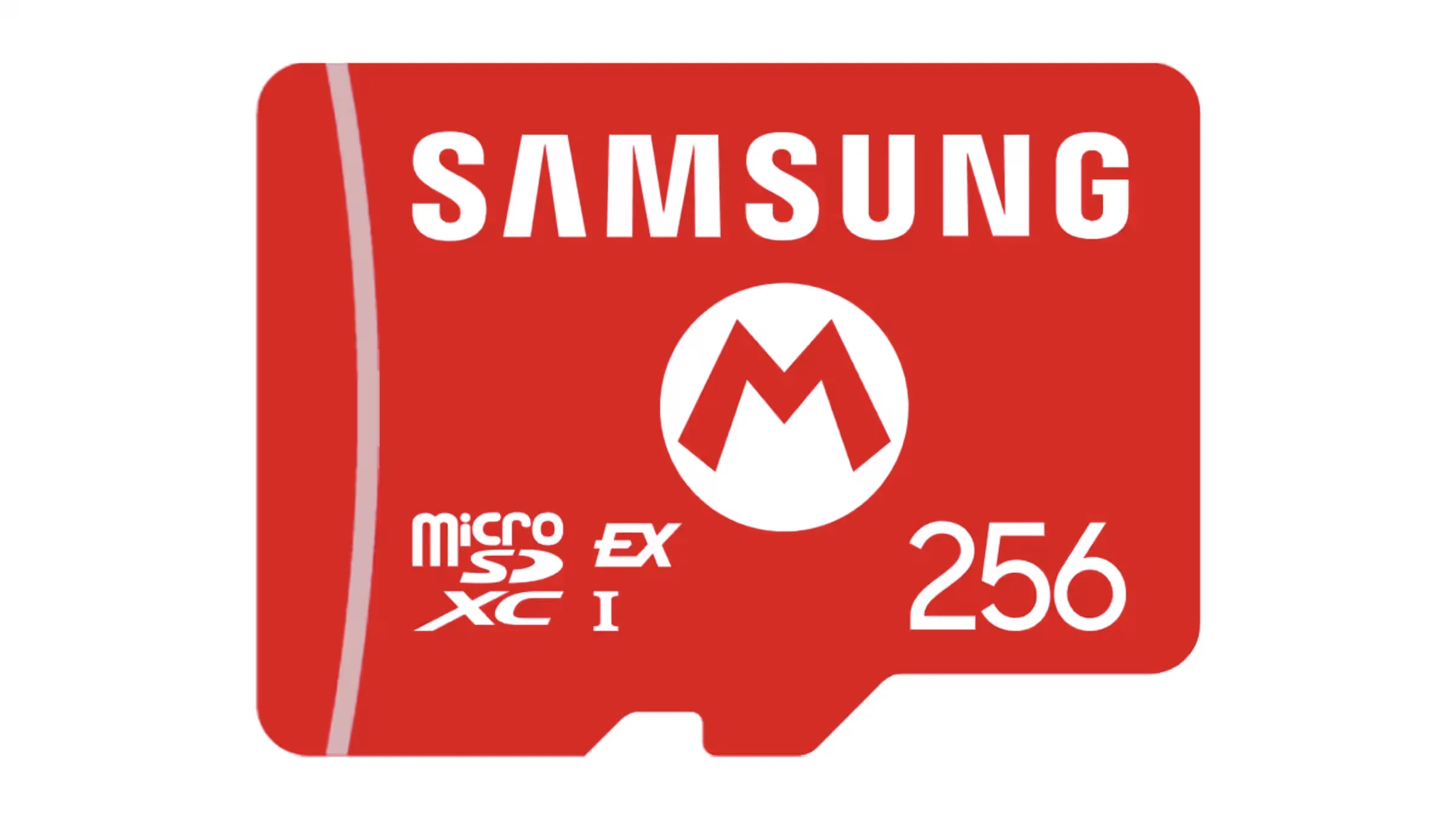
Samsung's exact card carries Nintendo Switch 2 branding and the console-specific red design. Nintendo lists it as 256GB under SKU123685, while Samsung's datasheet identifies modelMB-MZ256S. The license does useful work at checkout: it reduces the chance that a shopper confuses an ordinary Samsung microSD card with the required Express model.
Samsung publishes up to 800MB/s sequential read in an SD Express path, SD 7.1, PCIe Gen 3 x1, NVMe 1.3, and a three-year limited warranty. Its downside is also simple. Licensing and packaging do not prove better Switch 2 loading performance, so the card should not command an automatic premium for a buyer who is comfortable verifying the other exact models.
Nintendo-licensed option
Paid links. Gearsentials may earn a commission from purchases.
Best for: A buyer who wants the clearest Switch 2-specific card and exact 256GB capacity. Skip if: The license costs more than you value or the offer changes away from the verified new Amazon.com child.
SanDisk publishes the most detailed sustained specification
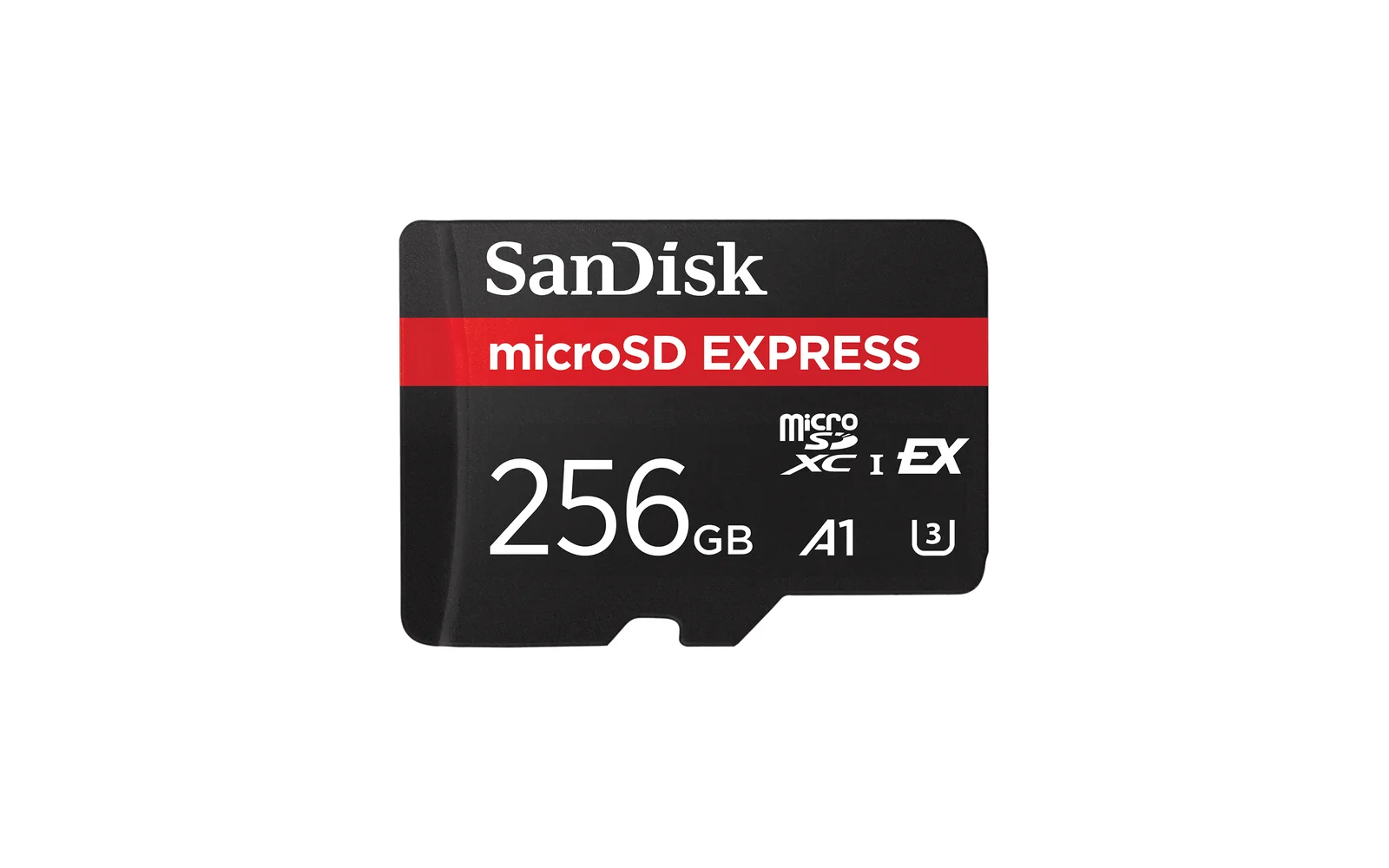
SanDisk's exact 256GB model isSDSQXFN-256G-GN4NN. Its product page publishes up to 880MB/s read, 650MB/s write, and a 210MB/s minimum sustained-write figure, plus a lifetime limited warranty. In regions that don’t recognize a lifetime warranty, SanDisk states a 30-year term.
That makes SanDisk the easiest card here to evaluate from a specification sheet, but it doesn’t create a Switch 2 speed verdict. SanDisk says the numbers come from internal testing with a compatible reader and that performance varies by host and conditions. Buy it for the exact offer, warranty, and documented specification—not a promise that hasn’t been measured on the console.
Detailed published specification
Paid links. Gearsentials may earn a commission from purchases.
Best for: A buyer who values a published minimum sustained-write figure and lifetime limited warranty. Skip if: You’re choosing it only because 880MB/s sounds like a proven Switch 2 loading advantage.
Lexar is the clean value when its exact 256GB offer is lower
Lexar's PLAY PRO family covers 256GB, 512GB, and 1TB, so capacity verification matters more than the family name. The exact Amazon child in this guide is model LMSXPS0256G-BNNNU. Lexar publishes up to 900MB/s read and 600MB/s write, SD 7.1, V30, backward compatibility with UHS-I hosts at UHS-I speed, and a limited lifetime warranty.
The 900MB/s figure is the highest published peak-read number in this group, but it comes from Lexar's own test rather than a matched Switch 2 comparison. The practical reason to choose this 256GB card is a lower clean current total or a preference for its warranty—not a claim that the console will expose the peak-number difference.
Check the exact Lexar capacity
Paid links. Gearsentials may earn a commission from purchases.
Best for: A buyer who verifies the 256GB child and finds it to be the clean current value. Skip if: The family switches to 512GB or 1TB, or the featured seller and shipper no longer match.
Don’t turn three lab numbers into a console ranking
Samsung, SanDisk, and Lexar each qualify their performance claims with a compatible host, internal testing, or real-world variation. The headline numbers are useful for identifying the product class and understanding what a compatible reader may expose. They are not interchangeable test results because the equipment, workload, firmware, and measurement method can differ.
A real Switch 2 verdict would require the same console state, game build, card fill level, network state, transfer method, and repeated timing across all three exact cards. Without that matched test, the honest conclusion is that all three meet the required storage standard. A small paper advantage isn’t a reason to overpay for an unproven loading difference.
Current independent testing supports that price-first conclusion. Engadget timed several Express cards across Switch 2 games and found that in-game differences were difficult to notice without a stopwatch; it recommended the lowest available card in the desired capacity, while calling the exact SanDisk 256GB model a consistent top performer. Tom's Hardware also includes the exact SamsungMB-MZ256S and SanDiskSDSQXFN-256G-GN4NN in its current Switch 2 matrix, where game-loading results remain closely grouped. That’s useful evidence for SanDisk when prices are close—not proof that its advantage will be visible in every game.
Choose first
Express compatibility and exact 256GB child
Choose second
New condition, seller, shipper, and current total
Choose third
Licensing, warranty, and documented specifications
Is 256GB enough for your Switch 2?
Treat 256GB as a planning input, not a game-count promise. The printed capacity is nominal, formatted usable capacity is lower, and the console's own 256GB storage also reserves space for the system. Game downloads can grow through patches and DLC, while captures consume additional room.
Before buying, open the eShop pages or software-management screen for the games you intend to keep installed. Add those sizes, include known DLC, and leave headroom for updates and the next purchase. If the result already presses against the card's usable capacity, a larger Express card is the honest answer—even though it falls outside this exact 256GB comparison.
Capacity worksheet
- List the downloaded games you want installed at the same time.
- Add their current file sizes and any known DLC.
- Add room for updates, screenshots, videos, and one future game.
- Don’t count save data; Nintendo keeps it in system memory.
- If the estimate nearly fills 256GB, choose a larger Express card once instead of rotating several smaller cards.
What moves to the card—and what never does
Nintendo says downloaded software, update data, DLC, screenshots, and videos can live on microSD Express. Once a card is inserted, it becomes the default destination for new downloaded software. Save data doesn’t move. It remains in the console's system memory, which is why replacing or removing the card doesn’t serve as a save-game backup.
A conventional card from an original Switch has one narrow role: importing screenshots and videos. It can’t be reformatted into an Express card and it can’t store Switch 2 downloaded games. If the old card is already full of captures, copy or import those before treating the physical card as an archive.
First-use setup and the one-card rule
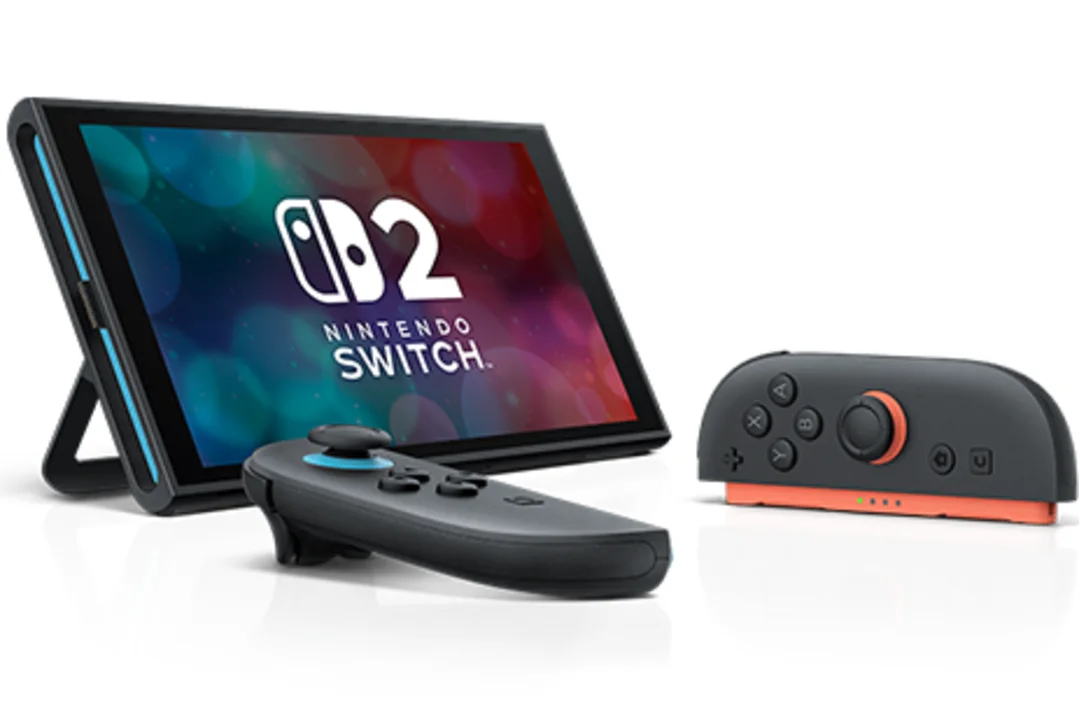
The Switch 2 microSD Express slot sits behind the adjustable stand. Power the console down before insertion, place the card in the correct orientation, and let the system complete any required update. Nintendo says the first use of microSD Express may require a system update, so a failed first attempt isn’t automatically a bad card.
Nintendo recommends using one card. Its FAQ warns that data split across multiple cards can’t later be combined onto a single card through the console. That changes the capacity calculation: a card large enough for the intended installed library is cleaner than collecting several small cards and trying to remember which game is where.
Audit the final Amazon selection, not only the button label
Amazon product families can change the selected capacity, seller, or condition after navigation. The three buttons in this guide use exact children checked as 256GB microSD Express offers. Samsung is child B0F3VTCZK8, SanDisk isB0DFQGVLYF, and Lexar isB0DYB7ZGR3. The seller and shipper can still change after publication, so verify the final buy box before paying.
Check new condition, 256GB capacity, the Express mark, exact model, seller, and shipper. Reject a child that switches to an ordinary UHS-I card, a different capacity, used condition, or a seller you didn’t intend to use. The product label above the buy button is more important than a pooled star rating from a mixed family.
The verdict
Take the lowest clean exact offer among these three. If the totals are close, SanDisk is the strongest default because its 256GB card has the clearest independent performance evidence, detailed published specifications, and a lifetime limited warranty. Choose Samsung when Nintendo licensing and an unmistakable Switch 2 design matter, or Lexar when its exact 256GB child is the better clean value and the family hasn’t switched capacities.
Don’t pay for a tiny published peak-speed lead as though it were a measured console advantage. All three exact cards satisfy the important requirement. Compatibility, capacity, offer integrity, and the total at checkout should decide the purchase. A peak-speed brag isn't worth paying for until a matched Switch 2 test proves it.
Choose the exact 256GB card
Paid links. Gearsentials may earn a commission from purchases.
Best for: Samsung for licensed clarity, SanDisk for specification detail, Lexar for a lower clean current total. Skip if: The final selection changes capacity, standard, condition, seller, or shipper.
FAQ
Can I use my original Switch microSD card in Switch 2?
Not for Switch 2 game storage. Nintendo says an ordinary microSD card can be used to import screenshots and videos from an original Switch, but Switch 2 downloaded games require microSD Express. Save data stays in system memory on both systems.
Does Switch 2 need a Nintendo-licensed microSD Express card?
No. Nintendo says any microSD Express card up to 2TB that meets the standard is supported. The licensed Samsung card makes compatibility visually obvious, but the license isn’t evidence that it loads games faster than every unlicensed Express card.
Is microSD Express the same as SanDisk Extreme?
No. Express is the storage standard Switch 2 requires for games. Extreme is a SanDisk product-family name, and many Extreme cards are conventional UHS-I microSD cards. Check for microSD Express wording or the EX mark on the exact card.
Will the fastest advertised card load Switch 2 games faster?
The manufacturer read and write figures describe separate laboratory tests with compatible readers. They don’t establish a matched Switch 2 loading-time result. Treat those figures as product specifications, not a console-performance ranking.
Can Switch 2 save game progress on a microSD Express card?
No. Nintendo says save data is stored in Switch 2 system memory and can’t be saved to a microSD Express card. The card can hold downloaded software, update data, DLC, screenshots, and videos.
Is 256GB enough for Switch 2?
It’s a sensible first expansion when your installed library fits with update and capture headroom. It isn’t a fixed game count: file sizes, DLC, patches, and future updates vary. Add the sizes of the games you expect to keep installed, then leave room rather than filling the estimate exactly.
Can I combine data from two microSD Express cards later?
Nintendo recommends using one card. Its support guidance says data split across multiple cards can’t later be combined onto one card through the console. Choose a capacity around the library you want installed, not only today's first download.
Sources
- Nintendo Switch 2 microSD compatibility
- Nintendo Switch 2 storage FAQ
- Nintendo licensed Samsung 256GB card listing
- Samsung licensed 256GB card datasheet
- SanDisk 256GB microSD Express specifications
- Lexar PLAY PRO microSD Express specifications
- Nintendo Switch 2 console and slot diagram
- Engadget Switch 2 microSD Express comparison test
- Tom's Hardware Switch 2 microSD Express test matrix