
Anker 575 vs CalDigit TS4
The Anker is a practical 10Gbps USB-C desk dock. The CalDigit is a 40Gbps Thunderbolt dock with faster networking, card readers, and peripheral connections. Your laptop and displays decide whether those upgrades are useful or wasted.
By Adam Anderson, Editor and CEO
This article contains paid Amazon links. Gearsentials may earn a commission from qualifying purchases. Affiliate standards.
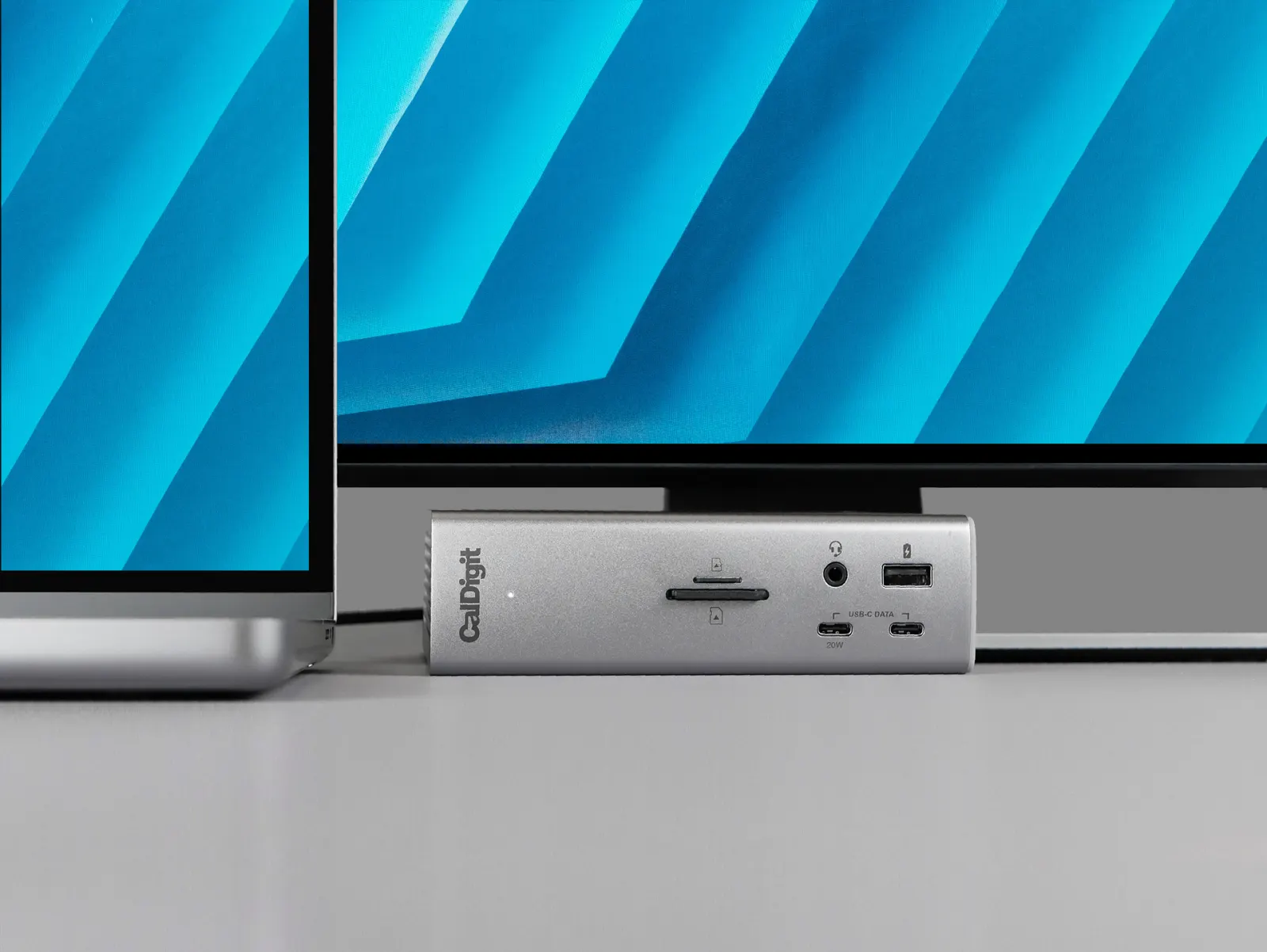
Anker 575 vs CalDigit TS4 specifications
| Decision | Anker 575 | CalDigit TS4 |
|---|---|---|
| Host connection | USB-C, up to 10Gbps | Thunderbolt 4, up to 40Gbps |
| Laptop charging | Up to 85W | Up to 98W |
| Display connectors | 2 HDMI + 1 DisplayPort | 1 DisplayPort + downstream Thunderbolt |
| Ethernet | 1GbE | 2.5GbE on supported hosts |
| Card readers | SD + microSD, UHS-I | SD + microSD, UHS-II |
| Best fit | Mainstream USB-C and Windows desks | Thunderbolt peripherals, fast storage, and Mac creator desks |
The display decision separates these docks quickly
The Anker 575 has the friendlier connector list at first glance: two HDMI ports and one DisplayPort. On a compatible Windows host, Anker documents separate content across multiple monitors through Multi-Stream Transport. Its current support guidance also warns that macOS uses Single-Stream Transport, so external monitors connected through those outputs show the same content.
That makes the TS4 the safer Mac choice when two independent external displays are the goal. Its DisplayPort and downstream Thunderbolt connections can drive supported display setups, but the dock can’t override the Mac itself. Apple says the current M5 MacBook Air supports up to two external displays; older Macs and other chips have their own limits.
For either dock, verify the exact laptop model, port capability, number of displays, resolution, and refresh rate before buying. A connector on the back of a dock isn’t a promise that the host can drive it in the mode you want.
Check both dock listings
Paid links. Gearsentials may earn a commission from purchases.
Choose the TS4 for bandwidth, not the bigger port count
CalDigit lists a 40Gbps Thunderbolt 4 host connection, two downstream Thunderbolt ports, three 10Gbps USB-C ports, five 10Gbps USB-A ports, 2.5GbE, and UHS-II card readers. Those upgrades matter when the desk includes fast external SSDs, high-speed networking, camera cards, or a chain of Thunderbolt devices.
The Anker 575 tops out at a 10Gbps host connection. Its Gigabit Ethernet, UHS-I card readers, and mix of 5Gbps and 10Gbps USB ports are still enough for keyboards, mice, webcams, audio interfaces, office storage, and many home internet connections. The practical question is whether anything on the desk can exceed those limits.
Charging is closer than the bandwidth gap
The TS4 supplies up to 98W to the host, while the Anker 575 lists up to 85W. Either can cover many thin-and-light laptops. A larger workstation may charge more slowly under sustained load, and a laptop that accepts less power won’t draw the dock's full rating.
CalDigit also supplies meaningful downstream power: up to 15W on each downstream Thunderbolt port and 20W from the front USB-C port. That can reduce extra chargers around a creator desk. If the dock only powers a laptop and a few low-draw accessories, the Anker's lower ceiling may be irrelevant.
Reasons to skip each dock
Skip the Anker 575 when:
- You need separate extended content across two Mac displays from one dock.
- You regularly use Thunderbolt storage or several fast devices together.
- You have 2.5GbE networking or rely on UHS-II camera cards.
- Your laptop needs more than 85W to maintain charge under load.
Skip the CalDigit TS4 when:
- Your laptop has only a basic 10Gbps USB-C connection.
- You use one display, Gigabit Ethernet, and ordinary USB accessories.
- You want built-in HDMI ports and don’t want display adapters.
- A simpler dock already solves the desk without unused Thunderbolt capability.
The verdict
The CalDigit TS4 is the better dock for a desk that can feed it. It earns the upgrade through bandwidth, faster networking and card readers, downstream Thunderbolt, stronger peripheral charging, and a cleaner path to supported multi-display Mac setups.
The Anker 575 is the smarter buy when the setup is fundamentally a 10Gbps USB-C desk. It covers the common ports, charging, Ethernet, and display connections without charging admission for a Thunderbolt workflow you don’t have. Mac users who need two different external desktops should choose carefully: Anker's own guidance says the 575's multiple external outputs mirror on macOS.
Choose your dock
Paid links. Gearsentials may earn a commission from purchases.
FAQ
Is the CalDigit TS4 worth it over the Anker 575?
It’s when the laptop has Thunderbolt or USB4 and the desk can use faster storage, 2.5GbE, UHS-II cards, downstream Thunderbolt ports, or 98W charging. For ordinary USB devices and a single display, the Anker 575 can cover the job with less unused capability.
Which dock is better for a MacBook?
The CalDigit TS4 is the safer choice for a Mac setup that needs two independent external displays from a supported Mac, because the Anker 575 relies on MST for separate content across its multiple display outputs and Anker says macOS mirrors those external displays. The Mac model still determines the final display limit.
Can the Anker 575 run three monitors?
Anker documents three display connectors and different multi-monitor modes for compatible Windows hosts. Its support guidance says multiple external displays mirror the same content on macOS. Resolution and refresh rate also depend on the host laptop's DisplayPort capabilities.
Does the CalDigit TS4 work with a regular USB-C laptop?
CalDigit lists USB-C hosts as compatible, but full functionality depends on the host. A USB-C connection doesn’t become 40Gbps Thunderbolt simply because the TS4 is attached, and some display or 2.5GbE features can be reduced.