
UGREEN DH2300 vs Synology BeeStation Plus 8TB
One box includes its drive and hides most storage choices. The other starts empty and gives you two bays. The right pick depends on how much control and setup work you want.
By Adam Anderson, Editor and CEO
This article contains paid Amazon links. Gearsentials may earn a commission from qualifying purchases. Affiliate standards.
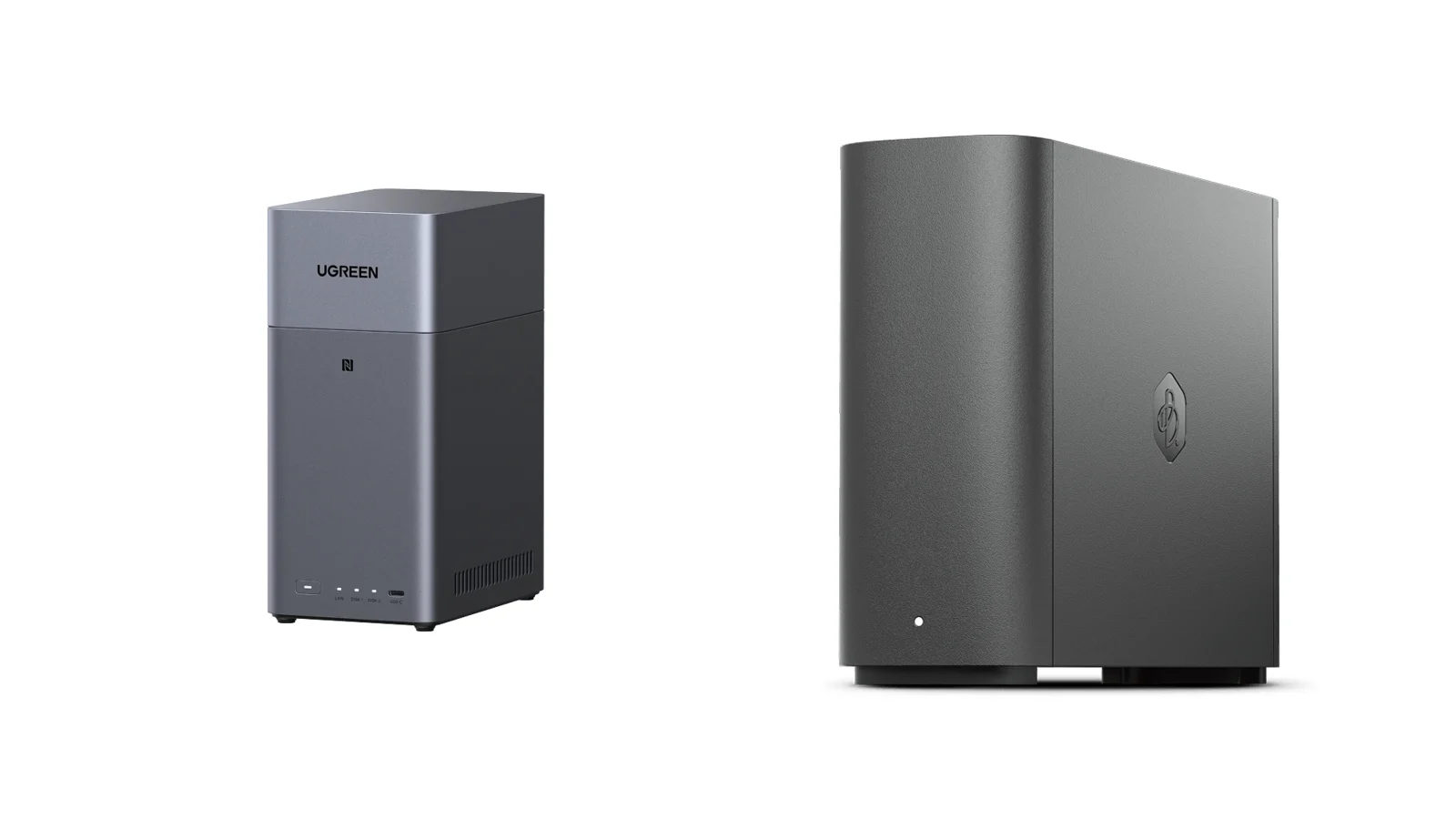
The specifications that change the decision
| Decision | UGREEN DH2300 | BeeStation Plus 8TB | Buying consequence |
|---|---|---|---|
| What arrives | Diskless two-bay enclosure | Complete appliance with one built-in 8TB hard drive | DH2300 requires at least one separate compatible drive |
| Usable storage | Depends on drive choice and storage pool | Approximately 6.98TB | The 8TB package number isn’t the displayed usable capacity |
| Drive-failure continuity | Yes with two drives in RAID1 | No; one built-in drive and no RAID | Only a RAID1 DH2300 can stay available after one drive fails |
| Plex Media Server | Not officially supported | Officially supported | BeeStation is the correct choice when supported Plex is required |
| Other media paths | 4K60 HDMI output and DLNA | Plex and SMB media folders; no HDMI | Direct TV playback and network streaming are different workflows |
| Applications | No official Docker or virtual-machine support | No Docker or virtual machines | Skip both for Jellyfin, Home Assistant, containers, or a home lab |
| Network | One 1GbE port | One 1GbE port | Neither is a 2.5GbE creator NAS |
| USB | One USB-C and two USB-A, all up to 5Gbps | One USB-C and one USB-A, both up to 5Gbps | BeeStation USB connects storage, not a computer directly |
| Time Machine | Yes, after SMB/Bonjour and quota setup | Yes, after local-access setup; preset 4TB ceiling | Both require configuration before the first Mac backup |
| Warranty | Two years | Three years | BeeStation has the longer published coverage |
Compare complete systems, not box prices
BeeStation Plus includes its drive. DH2300 doesn’t. Comparing their enclosure prices makes the empty UGREEN look cheaper than the system a reader will actually use.
Start with the configuration you need, then enter live prices for the enclosure, compatible drives, and a separate backup. Two 8TB drives in RAID1 don’t create 16TB of usable storage; the second drive mirrors the first.
| Configuration | What you buy | Usable capacity | One-drive continuity | Independent backup |
|---|---|---|---|---|
| DH2300 enclosure only | Enclosure | None | No | No |
| DH2300 + one drive | Enclosure + one compatible drive | One formatted drive | No | No |
| DH2300 + two matched drives in RAID1 | Enclosure + two compatible drives | Roughly one formatted drive | Yes | No |
| BeeStation Plus 8TB | Complete appliance | Approximately 6.98TB | No | No |
| Either system with independent backup | Primary system + external or offsite destination | Primary capacity unchanged | Depends on primary | Yes |
Cost worksheet
- 1. Price the complete primary system, including every required drive.
- 2. Record usable capacity after RAID and formatting, not raw capacity.
- 3. Add a physically separate backup, with an offsite copy for data you can’t replace.
- 4. Add Plex Pass or cloud-backup costs only when you need those services.
- 5. Compare three-year ownership, not a promotional enclosure price.
Build the replaceable-drive option
Paid links. Gearsentials may earn a commission from purchases.
The linked DH2300 is diskless. Price at least one compatibility-listed SATA drive—and two matched CMR NAS drives for RAID1—before comparing the total system.
Best for: A buyer who values replaceable drives or RAID1 enough to pay for the complete drive configuration. Skip if: You want storage included or need officially supported Plex Server without a separate computer.
What happens on the day something fails?
This is the most important difference in the comparison. A single-drive DH2300 and BeeStation Plus can both go offline after their only active drive fails. A two-drive DH2300 in RAID1 can remain available while the failed drive is replaced and the mirror rebuilds.
RAID1 still isn’t a backup. It mirrors live deletion, logical corruption, and ransomware changes to both drives. Both products can provide configured internal restore points or file versions, but those recovery data remain inside the same physical device.
| Failure | DH2300, one drive | DH2300, RAID1 | BeeStation Plus |
|---|---|---|---|
| One drive fails | Offline until replacement and restore | RAID remains available; replace and rebuild | Device can become unavailable; support/RMA and restore |
| A folder is deleted | Use a configured snapshot/file version or separate backup | Use a configured snapshot/file version or separate backup; RAID1 mirrors the live deletion | Use a configured internal restore point or independent backup |
| The whole device is stolen or damaged | Restore from an offsite copy | Restore from an offsite copy | Restore from an offsite BeeProtect, C2, or remote-NAS copy—or an external backup only if it survived separately |
| Home internet goes down | Local LAN access can continue | Local LAN access can continue | Local web/SMB can continue only if local access was enabled |
| You move to replacement hardware | Migrate the disk to a compatible UGOS Pro device or restore; recreate users, apps, and settings | Migrate the complete array in slot order to compatible UGOS Pro hardware or restore; recreate users, apps, and settings | Back up and restore to another BeeStation; reinvite users |
DH2300 can grow from one drive to RAID1—with limits
UGREEN documents online migration from a Basic storage pool to RAID1 after a second drive is added. That creates a sensible beginner path: start with one compatible drive, add a matched second drive later, and accept that usable capacity remains roughly one drive.
The rule doesn’t apply to every layout. JBOD and RAID0 can’t be converted nondestructively to RAID1. Back up the data, recreate the pool, and restore it. RAID migration is one-way rather than a reversible capacity switch.
Choose the user-serviceable RAID path
Paid links. Gearsentials may earn a commission from purchases.
Check UGREEN's current compatibility list before buying drives. For RAID1, use two matched CMR NAS-rated drives and avoid treating the mirror as a backup.
Best for: Starting with one compatible drive and later moving a Basic pool to RAID1, or building RAID1 immediately. Skip if: You plan to use RAID0 or JBOD now and assume it can become RAID1 later without backup and recreation.
Plex is the cleanest reason to choose BeeStation Plus
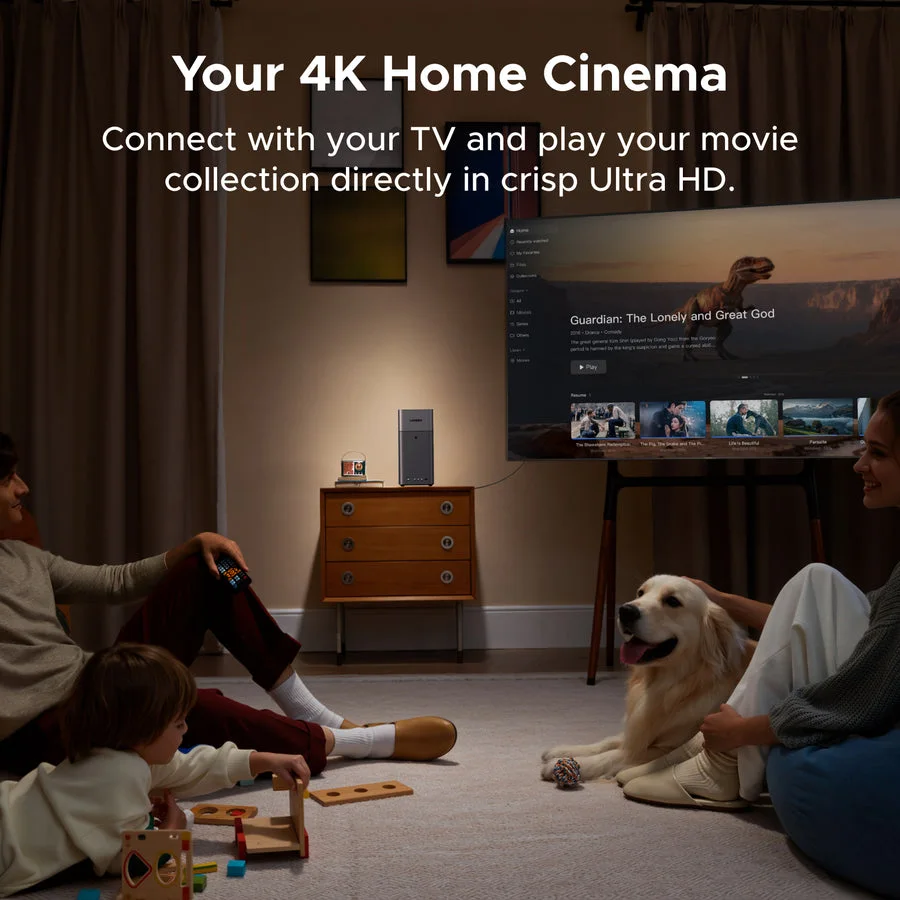
BeeStation Plus officially offers Plex Media Server. DH2300 doesn’t. UGREEN's supported alternatives are direct HDMI playback to a nearby display and DLNA streaming to compatible clients over the local network. Neither replaces a supported Plex library and client ecosystem.
Synology says hardware-accelerated streaming, remote streaming, and some other Plex features require an active Plex Pass. Local direct-play can avoid transcoding, but compatibility still depends on the media format, bitrate, subtitles, and playback client. Don’t buy it on a promise that every 4K file will transcode cleanly.
BeeStation Plus applies a preset 4TB limit to each of its /TimeMachine, /Media, and /PlexMediaLibrary folders so BeeFiles and BeePhotos retain space. The owner is the only user who can access the Plex library folder through local SMB.
Both are limited by gigabit Ethernet
Both products have one 1GbE port, so neither can exceed gigabit-class transfers. Actual throughput varies with drives, clients, file sizes, and protocol overhead. Because the cited reviews used different setups, this comparison doesn’t name a speed winner.
Both are intended for photos, documents, backups, and compressed media within gigabit-class limits. Neither is the right foundation for editing high-bitrate video directly over the network or for a buyer who already expects 2.5GbE workstations and switches.
Photo backup is convenient, but verify before deleting
Both products can back up phone photos and organize private libraries. That doesn’t mean every phone will upload every file immediately. iOS and Android can pause background work, especially under battery, network, or app restrictions.
Before deleting originals from a phone or cloud account, open the newest photos and videos from the NAS. Then make sure the NAS itself has a separate backup. Synchronization can propagate deletion or corruption; it isn’t automatically a second copy.
Set up offline access before the outage
BeeStation normally uses a Synology Account. Its local browser and SMB access can work during an internet outage only after local access is enabled. Synology says the BeeFiles and BeePhotos desktop and mobile apps can’t sign in without internet.
DH2300 supports local browser and LAN file access after setup. UGREENlink makes remote access easier without manual port forwarding, but it still depends on internet connectivity, a UGREEN account, and UGREEN's remote service. Test local SMB and browser access while the network is healthy.
Time Machine works on both—with configuration
DH2300 requires SMB and Bonjour, a dedicated shared folder, and a quota so Time Machine can’t consume the entire pool. BeeStation Plus requires local-account and SMB setup and applies a preset 4TB ceiling to its Time Machine folder. Neither is a USB drive that connects directly to a Mac.
Who should skip both?
- You need Docker, Jellyfin, Home Assistant, or virtual machines.
- You want 2.5GbE or faster networking for direct media work.
- You expect four or more bays, SSD caching, or PCIe expansion.
- You need supported third-party applications beyond each appliance's narrow catalog.
- You want a NAS that can grow into a serious homelab without replacement.
In those cases, compare a fuller two-bay model such as UGREEN's DXP2800 or a current Synology DiskStation instead. They cost more because they solve a broader problem.
Who should buy the UGREEN DH2300?
- You want to choose and replace the drives yourself.
- You’ll use RAID1 for single-drive-failure continuity.
- HDMI or DLNA covers the media workflow.
- One gigabit Ethernet is enough.
- You accept buying compatible drives and a separate backup.
Who should buy BeeStation Plus 8TB?
- You want a complete 8TB appliance rather than a drive project.
- Officially supported Plex matters.
- Guided file, photo, and family-account workflows matter more than app expansion.
- You’ll configure an external or offsite backup.
- You accept the single built-in drive and support-led failure workflow.
The final recommendation
BeeStation Plus requires fewer purchase decisions and less hardware setup; DH2300 provides the more serviceable drive architecture. BeeStation's simplicity doesn’t protect it from internal drive failure, while DH2300 RAID1 keeps the pool available after one drive fails but still doesn’t replace an independent backup. Compare complete systems, including drives and backup.
BeeStation Plus 8TB wins on supported Plex and minimal setup. DH2300 wins on RAID1 and replaceable drives, after adding the required drive cost. If neither phrase describes the real priority, step up to a fuller NAS instead of forcing one of these beginner appliances into the wrong job. Storage gets expensive fast when the “simple” box needs to become something it isn't.
Check the exact diskless DH2300
Paid links. Gearsentials may earn a commission from purchases.
No BeeStation button is shown because we didn’t find a suitable exact-model Amazon offer during this review. Confirm the DH2300 model, seller, shipper, and diskless configuration before ordering.
Best for: A beginner who understands the separate drive cost and specifically wants RAID1 or owner-replaceable storage. Skip if: Supported Plex or a ready-to-run appliance is the reason you’re shopping.
FAQ
Does the UGREEN DH2300 include hard drives?
No. The DH2300 is a diskless two-bay NAS. Buy compatible SATA drives separately, and check UGREEN's current compatibility list before choosing a model or capacity.
Does the UGREEN DH2300 officially support Plex or Docker?
No. UGREEN says the DH2300 doesn’t officially support Docker or virtual machines, so there’s no supported Plex Server path. Its supported media options include DLNA and direct HDMI playback.
Does Synology BeeStation Plus have RAID?
No. BeeStation Plus uses one built-in hard drive. Its internal restore points help with deletion or unwanted changes, but they don’t keep the device online after the drive fails and don’t replace an independent backup.
Can the BeeStation Plus hard drive be replaced by the owner?
Synology's documented failure workflow is support or RMA followed by restoration from a previously configured backup. It isn’t the normal owner drive-swap and RAID-rebuild path offered by a conventional multi-bay NAS.
Can DH2300 migrate from one drive to RAID1 later?
UGREEN documents online migration from a Basic pool to RAID1 after a second drive is added. JBOD and RAID0 can’t migrate that way; back up the data, recreate the pool, and restore it.
Does RAID1 mean my files are backed up?
No. RAID1 can keep the NAS available after one drive fails. It doesn’t protect against deletion, corruption, ransomware, theft, fire, or loss of the entire device. Keep a separate backup, preferably with an offsite copy.
Can BeeStation Plus work when the internet is down?
Local browser and SMB access can work after local access is enabled. Synology says its BeeFiles and BeePhotos desktop and mobile apps can’t sign in without internet, so configure and test local access before an outage.
Which is better for Plex: DH2300 or BeeStation Plus?
BeeStation Plus. It officially offers Plex Media Server. Synology notes that hardware-accelerated streaming, remote streaming, and certain other Plex features require an active Plex Pass.
Sources
- UGREEN DH2300 product page, specifications, and model limitations
- UGREEN drive compatibility list
- UGREEN remote-access methods
- UGREEN local network access guidance
- UGREEN sync and backup guidance
- UGREEN DH2300 snapshots, file versions, and backup paths
- UGREEN disk and array migration requirements
- Synology BeeStation Plus product page and FAQ
- Synology BeeStation Plus 8TB datasheet
- Synology BeeStation local access and folder limits
- Synology BeeStation drive and device failure recovery
- Synology BeeStation migration workflow
- PCWorld BeeStation Plus performance and folder-limit testing
- TechRadar DH2300 independent review
- Digital Camera World DH2300 independent review