
Logitech MX Master 4 vs MX Master 4 for Mac
The two mice look almost the same because most of the hardware is the same. The receiver, colors, package, and computers on your desk are what change the choice.
By Adam Anderson, Editor and CEO
This article contains paid Amazon links. Gearsentials may earn a commission from qualifying purchases. Affiliate standards.
MX Master 4 vs for Mac: the differences that matter
| Check | Standard MX Master 4 | MX Master 4 for Mac | Why it matters |
|---|---|---|---|
| Mouse model | MR0118 | MR0118 | No documented hardware advantage for the Mac edition |
| Included receiver | USB-C Logi Bolt in Logitech documentation | Not included | Standard is more flexible when the box contents are confirmed |
| Colors | Graphite and Pale Gray; additional colors vary by market | Space Black and White Silver | This is the clearest reason to choose the Mac edition |
| Charging cable | Not included | Not included | Bring a USB-C cable; neither box solves this |
| Sensor | 200–8,000 DPI Darkfield | 200–8,000 DPI Darkfield | Same tracking specification |
| Report rate | 125Hz over Bolt or Bluetooth | 125Hz over Bluetooth; Bolt compatible separately | Bolt isn’t a published polling-rate upgrade |
| Battery claim | Up to 70 days | Up to 70 days | Same 650mAh battery claim |
| Size and weight | 128.15 × 88.35 × 50.8mm; 150g | Same | Same right-handed shape and travel weight |
| Advanced software | Logi Options+ on supported Windows and macOS computers | Logi Options+ on supported macOS; independent testing also confirms Windows | Standard has clearer mixed-platform positioning |
The receiver is the real buying decision
Logitech's standard MX Master 4 quick-start guide lists the mouse, a USB-C dongle, and documentation. Logitech's current product data maps the Graphite version to part number 910-007558 and also lists a USB-C Bolt receiver in that package.
The Mac quick-start guide lists only the mouse and documentation. Logitech's current Space Black part number 910-007575 says a receiver isn’t included, although the mouse can use compatible USB-C or USB-A Logi Bolt receivers purchased separately.
Check the exact standard Amazon box
The current Amazon listing for standard Graphite part 910-007558 describes a USB-C dongle, but one of its own package fields omits the receiver. Logitech's SKU documentation is clearer, but the retailer page contradicts itself. The button below links to the correct mouse, not a guarantee that Amazon's box will contain the receiver. If the receiver is essential, confirm the package contents before ordering or buy from a retailer that explicitly lists it.
Compare the exact editions
Paid links. Gearsentials may earn a commission from purchases.
Does the regular MX Master 4 work on a Mac?
Yes. The standard consumer model formally supports macOS, and Logitech documents the same MR0118 mouse hardware for both editions. Choosing the regular version doesn’t remove the MagSpeed wheel, thumb wheel, Haptic Sense panel, Actions Ring, gestures, per-app assignments, Easy-Switch, or Flow.
The qualification is software. On macOS, Logitech says even some ordinary back and forward assignments depend on Logi Options+. Actions Ring, app profiles, Flow, custom gestures, and advanced haptics also require the app. macOS can request Accessibility, Input Monitoring, Bluetooth, and other task-specific permissions before those functions work.
A locked-down work Mac can therefore change the recommendation. If IT won’t allow Options+, both editions still handle basic pointing, clicking, and scrolling, but much of the reason to buy an MX Master disappears.
Logi Bolt vs Bluetooth on a Mac
Use Bluetooth when you want the cleanest one-Mac setup and don’t want to occupy a USB port. Use Bolt when a dedicated receiver is easier for a docked desk, when Bluetooth wake or switching has been unreliable in that environment, or when a managed office prefers Logitech's encrypted receiver connection.
Don’t call Bolt a faster polling mode for this mouse. Logitech publishes 125Hz, or an 8ms report interval, for both receiver and Bluetooth connections. A stability or latency claim beyond that needs matched testing on the same Mac, receiver, firmware, desk, and wireless environment.
Also don’t confuse Bolt with Logitech's older Unifying system. MX Master 4 is a Bolt product. A separately purchased Bolt receiver can be useful for the Mac edition; an old Unifying receiver isn’t the substitute.
Neither edition includes a charging cable
Several comparison pages get this wrong. Logitech's launch release says the charging cable isn’t included. The official quick-start package list for each edition also omits a cable. Both mice charge through USB-C, claim up to 70 days per full charge, and claim about three hours of use from one minute of charging.
The USB-C connection is for power, not documented wired data. The mouse continues using Bluetooth or Bolt while charging. That matters if the plan was to plug it in as a wired fallback on a restricted computer.
Haptics and Actions Ring are the same on both
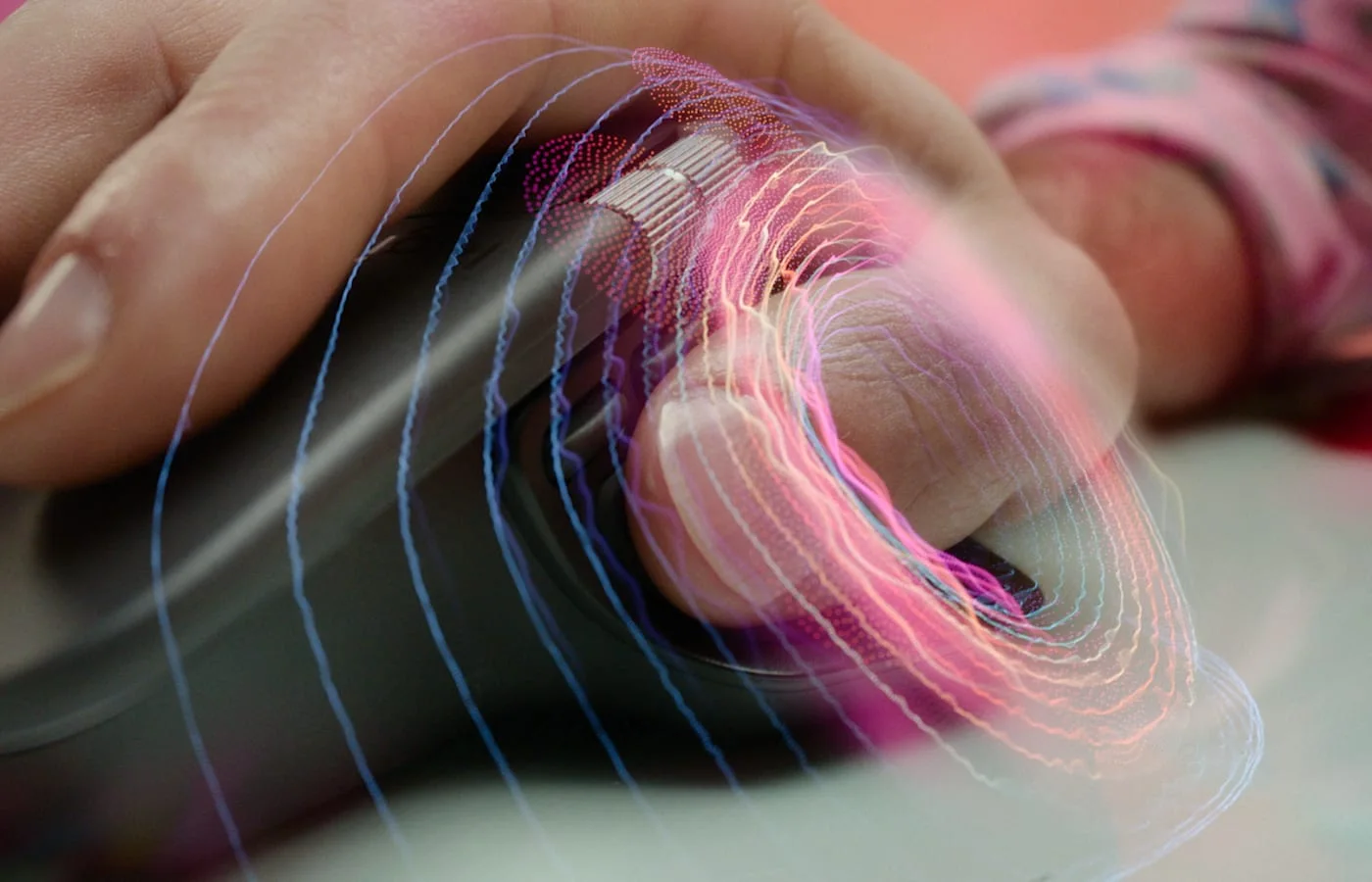
Both editions use the same Haptic Sense panel under the thumb. It can provide feedback when moving through Actions Ring choices, executing supported actions, switching devices, or using certain app plugins and gestures. The Actions Ring itself is a software overlay that puts assigned shortcuts near the pointer.
Logitech advertises time and movement savings from a study of 37 MX Master users across eight desktop actions. Treat that as a vendor study, not a promise that the feature will save every buyer time. Independent reviewers disagree on whether the haptic system becomes a useful habit or stays a pleasant novelty.
The version label doesn’t resolve that uncertainty. A Mac buyer gets the same haptic hardware with standard or for Mac. The real test is whether the buyer will configure Options+ around repeated work in apps such as a browser, spreadsheet, editor, or creative tool.
Which version fits your setup?
One MacBook, Bluetooth, no dock
Either edition fits. Choose by verified price and color. The Mac edition gives up nothing you planned to use if Bluetooth is the only connection and Space Black or White Silver is the finish you want.
Docked Mac mini, Studio, or MacBook
Standard is the stronger default when the receiver is confirmed. A USB-C Bolt receiver can stay in the dock while the mouse moves with the desk setup. Keep Bluetooth available as another channel.
Mac and Windows on the same desk
Buy standard. Logitech formally positions it for both platforms, it’s documented with the receiver, and it avoids buying the Mac color package only to add a receiver later.
Travel or an iPad-first setup
Think twice about both. At 150g, this is a full-size, right-handed desk mouse. Basic iPad functions are supported, but the richest customization belongs on supported Mac and Windows computers.
High-refresh or competitive gaming
Skip both. The 125Hz report rate and 150g weight prioritize office control, scrolling, and shortcuts—not fast gaming response. A lighter, higher-report-rate mouse is the cleaner tool.
Reasons to skip both MX Master 4 editions
- You use a mouse left-handed; Logitech sells this shape for right-handed use.
- You want a light travel or gaming mouse instead of a 150g desk mouse.
- Your work computer blocks Logi Options+ or the required system permissions.
- You expect a charging cable or a true wired-data mode in the box.
- You won’t configure the extra buttons, gestures, haptics, or Actions Ring.
- Your current MX Master already solves the work and haptics aren’t a defined need.
The verdict
The standard Logitech MX Master 4 is the sensible pick for most Mac desks when the receiver is explicitly confirmed. It has the same documented mouse hardware and Mac software features, while the standard package is supposed to add a USB-C Bolt receiver at no hardware sacrifice.
MX Master 4 for Mac earns its name only through Space Black, White Silver, or a better exact deal when you're comfortable using Bluetooth. Don’t pay more because the words “for Mac” imply a faster sensor, better haptics, or deeper macOS features; Logitech doesn’t document those differences. The suffix is branding, not a secret performance mode.
Choose the exact current mouse
Paid links. Gearsentials may earn a commission from purchases.
FAQ
Does the regular MX Master 4 work fully on a Mac?
Yes. Logitech lists macOS support for the standard MX Master 4, and the documented mouse hardware matches the Mac edition. Install Logi Options+ and grant the requested macOS permissions to use Actions Ring, gestures, per-app assignments, Flow, and other advanced functions.
Is the MX Master 4 for Mac hardware different?
Logitech assigns both consumer editions the same MR0118 mouse model and publishes the same dimensions, weight, sensor range, report rate, battery, controls, and haptic hardware. The documented differences are colors, packaging, receiver inclusion, and platform positioning.
Does MX Master 4 for Mac include a USB receiver?
No. Logitech lists only the mouse and documentation in the Mac package. The Mac edition can use a compatible Logi Bolt receiver purchased separately, but a receiver isn’t in the box.
Does either MX Master 4 include a charging cable?
No. Logitech's launch documentation says the charging cable isn’t included, and both quick-start guides omit one from the package contents. Supply your own USB-C cable and power source.
Can the MX Master 4 be used as a wired mouse?
No wired data mode is documented. USB-C supplies charging power while the mouse continues communicating wirelessly over Bluetooth or Logi Bolt.
Is Logi Bolt faster than Bluetooth on this mouse?
Don’t buy it for a higher published polling rate. Logitech lists 125Hz for both receiver and Bluetooth connections. Bolt can still be useful for a dedicated, encrypted connection in a busy wireless environment, but a speed advantage needs matched testing rather than assumption.
Can MX Master 4 switch between Mac and Windows computers?
Yes. The standard model is formally sold for both platforms and can pair with up to three devices. Logitech Flow and advanced assignments require Logi Options+ on supported computers. The standard edition is the safer mixed-platform purchase because it includes broader official positioning and, according to Logitech, a Bolt receiver.
Sources
- Logitech MX Master 4 product and package details
- Logitech MX Master 4 for Mac product and package details
- Logitech standard MX Master 4 specifications
- Logitech MX Master 4 for Mac specifications
- Standard MX Master 4 quick-start guide and box contents
- MX Master 4 for Mac quick-start guide and box contents
- Logitech launch release and charging-cable disclosure
- Logitech Logi Bolt compatibility guidance
- Logitech macOS permission requirements
- RTINGS MX Master 4 measurements and edition comparison
- Macworld standard-model Mac testing
- TechRadar multi-computer and Flow testing