
Apple Studio Display (2026) vs ASUS PA27JCV: which should you buy?
The pixels match. Your room, computers, stand and existing desk gear decide.
By Adam Anderson, Editor and CEO
This article contains paid Amazon links. Gearsentials may earn a commission from qualifying purchases. Affiliate standards.

Make sure the Apple listing is the 2026 model
Search results and marketplace listings mix two products that look almost identical. The 2022 Studio Display has one Thunderbolt 3 host port and three downstream USB-C ports. The 2026 Studio Display has an upstream Thunderbolt 5 port, a second downstream Thunderbolt 5 port, and two USB-C ports.
The linked Apple offer is ASIN B0GR1PJYT8, model MFEX4LL/A, with standard glass and the tilt-adjustable stand. It isn’t the old 2022 display, the nano-texture configuration, the height-adjustable configuration, the VESA version, or the separate Studio Display XDR.
Fast generation check
Two Thunderbolt 5 plus two USB-C ports means the 2026 Studio Display. One Thunderbolt 3 plus three USB-C ports means the 2022 generation.
Studio Display vs PA27JCV at a glance
| Decision | Studio Display 2026 | ASUS PA27JCV | Buying consequence |
|---|---|---|---|
| Screen geometry | 27-inch, 5120 × 2880, 218 ppi | 27-inch, 5120 × 2880, 218 ppi | Both provide the same macOS-friendly pixel density |
| Refresh rate | 60Hz | Up to 60Hz; Adaptive-Sync documented at 48–60Hz | Skip both when high-refresh motion is the objective |
| Brightness claim | 600 nits | 400 nits typical; 500 nits HDR peak | Apple has the stronger published everyday-brightness ceiling |
| Surface | Standard glossy glass in this exact offer | Fixed anti-glare, low-reflection matte coating | Choose for the room: clarity versus reflection control |
| Color documentation | P3, True Tone and nine reference modes | 99% DCI-P3, 95% Adobe RGB, 100% sRGB; Delta E under 2 claim | ASUS documents more gamut coverage; Apple integrates with macOS |
| HDR | Apple doesn’t list HDR support on the standard model | HDR10 and DisplayHDR 500 | Neither is the right purchase for serious HDR work |
| Camera and microphones | 12MP Center Stage camera with Desk View; three-mic array | None listed | Count only the external gear Apple would genuinely replace |
| Speakers | Six-speaker system with Spatial Audio support | Two 2W speakers | ASUS buyers should budget for separate audio if sound matters |
| Host connection / charging | Thunderbolt 5; 96W | USB-C DisplayPort Alt Mode; 96W | ASUS USB-C isn’t Thunderbolt |
| Other connections | Downstream Thunderbolt 5; two 10Gb/s USB-C ports | HDMI 2.1, DisplayPort 1.4, USB hub and headphone jack | ASUS is easier to share across different computers and consoles |
| Multi-computer workflow | No KVM listed | Auto KVM plus PIP/PBP | ASUS is the practical Mac-and-PC choice |
| Included stand | This exact offer tilts only | Height, tilt, swivel and pivot adjustment | Don’t assume the base Apple configuration adjusts in height |
| Best reason to buy | Integrated Mac camera, audio, controls and Thunderbolt 5 desk | 5K sharpness, flexible inputs, stand, KVM and matte surface | The surrounding desk—not the shared 5K badge—decides |
Both are 5K, but they don’t look the same
Both screens put 5120 by 2880 pixels into 27 inches for 218 pixels per inch. At a common macOS 2× setting, interface elements are sized like a 2560-by-1440 workspace while the system uses the full 5K grid to draw sharper text and edges. That’s the reason both feel more natural with macOS than many 27-inch 4K displays.
Apple's selected configuration uses glossy standard glass. It preserves a crisp, direct look but can reflect bright windows, lamps, and light clothing. ASUS uses its fixed LuxPixel anti-glare, low-reflection coating. It controls glare better, but independent RTINGS testing says the coating also reduces perceived text and image clarity compared with clearer 5K finishes.
Choose the Studio Display for a controlled room where glossy clarity matters. Choose ASUS for a bright or shared room where moving the desk, blinds, or lights isn’t practical. If the coating is a deciding factor, see both in person; it can’t be judged from a product-page screenshot.
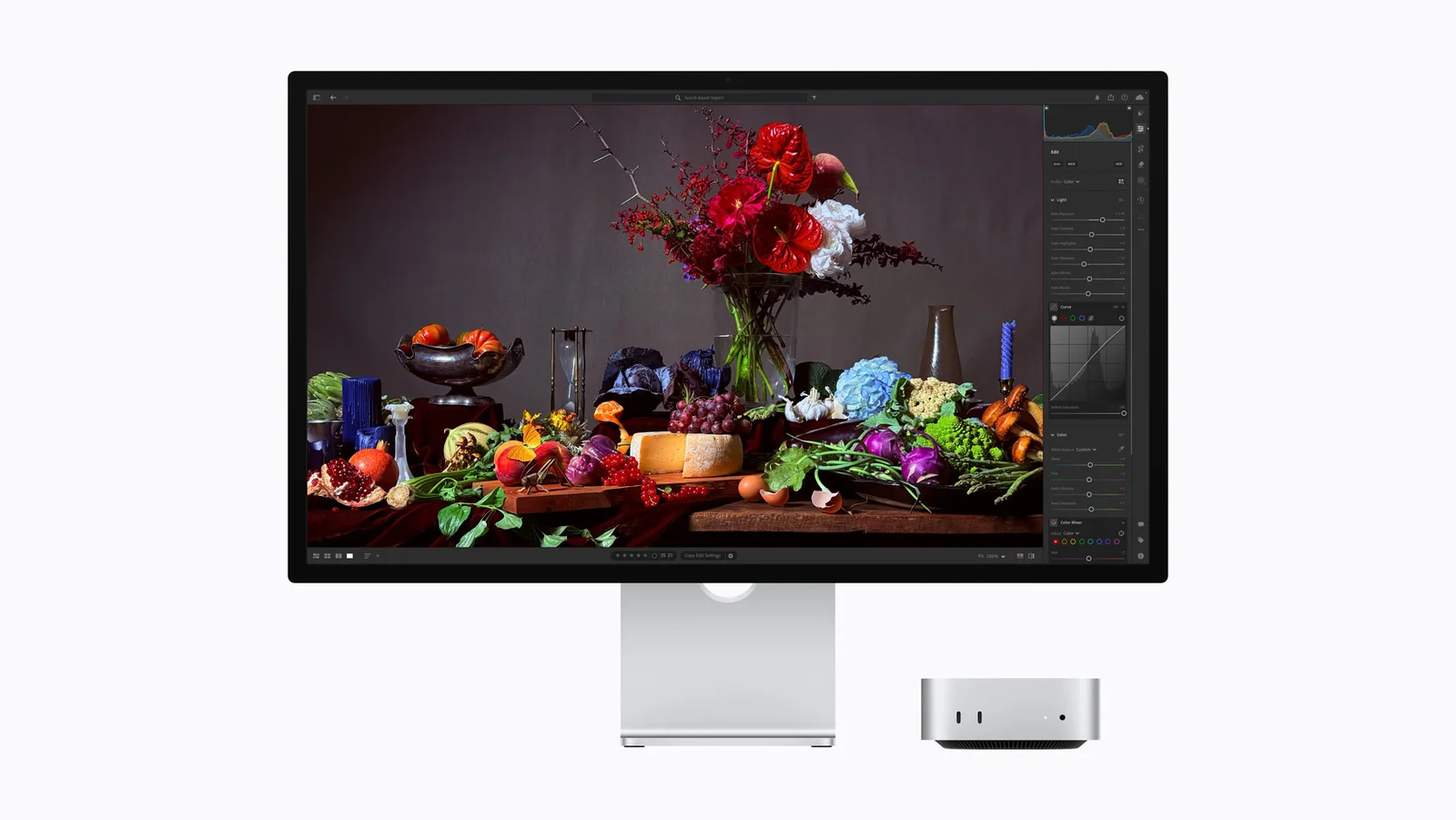
2026 Studio Display exact offer
Paid links. Gearsentials may earn a commission from purchases.
This is model MFEX4LL/A with standard glass and a tilt-adjustable stand. Confirm the exact configuration, New condition, seller and shipper.
Best for: A supported Apple-silicon Mac desk where camera, microphones, speakers, True Tone and Thunderbolt 5 replace other hardware. Skip if: You need height adjustment in the included configuration, mixed-computer inputs, KVM, 120Hz or HDR.
The useful price gap is what your desk is missing
A simple monitor-price comparison undervalues Apple for one buyer and overvalues it for another. The Studio Display includes a camera, microphones, a six-speaker system, and a Thunderbolt hub. Those features matter only when they replace equipment you would otherwise buy and use.
Before comparing live prices, mark each item already on the desk: webcam, microphone, speakers or headphones, USB or Thunderbolt dock, and monitor arm. Add only the missing ASUS pieces that would genuinely be purchased. Don’t charge ASUS for a premium webcam if every call already uses a laptop camera.
Run the same correction against Apple. The selected Studio Display stand tilts but doesn’t adjust in height. If the panel would sit too low, compare the exact cost of Apple's separate height-adjustable configuration or a VESA configuration and arm—not the attractive base model alone.
Your-desk calculator
Separate webcam already owned
Speakers or headphones already owned
Microphone already owned
Dock or USB hub already owned
Need HDMI or DisplayPort
Need KVM for two computers
Need included height adjustment
Need a glossy or matte surface
Single Mac or mixed-computer desk?
Apple's strongest 2026 upgrade is the connection path. The upstream Thunderbolt 5 port carries video, data, and up to 96W to the host. A second Thunderbolt 5 port connects high-speed accessories or another supported display path, and two 10Gb/s USB-C ports handle peripherals, storage, or networking.
ASUS is more flexible across ordinary equipment. It accepts USB-C DisplayPort, full-size DisplayPort 1.4, and HDMI 2.1; adds three USB-A ports, downstream USB-C, and a headphone jack; and includes Auto KVM plus picture-in-picture and picture-by-picture. That’s the cleaner layout for a MacBook and Windows desktop, a work laptop and personal computer, or a Mac plus console.
ASUS's 96W USB-C connection isn’t Thunderbolt. Don’t plan a downstream Thunderbolt display chain or assume that every USB-C computer can drive 5K60. Check the host's exact DisplayPort mode, cable, graphics support, and operating-system behavior first.
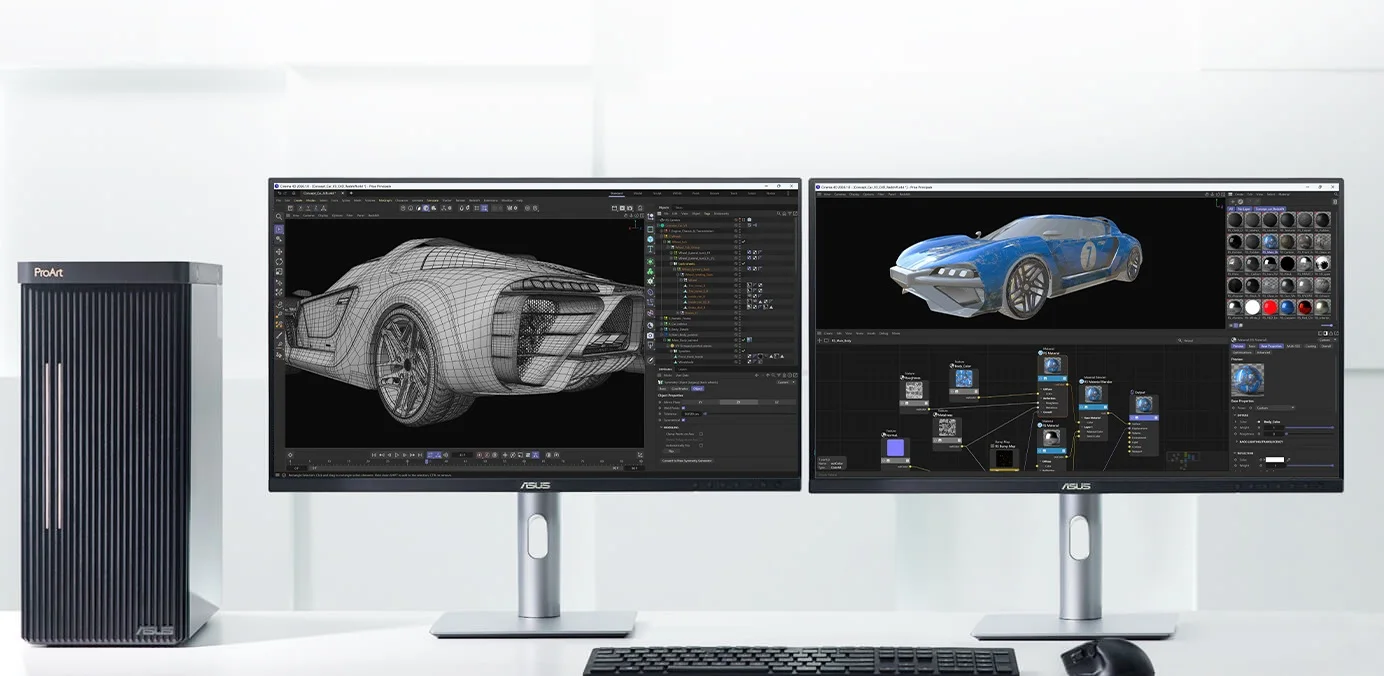
ASUS PA27JCV exact offer
Paid links. Gearsentials may earn a commission from purchases.
This destination is the exact PA27JCV 27-inch 5K model. Confirm New condition, seller and shipper before checkout.
Best for: 5K Mac work, mixed Mac/PC desks, matte rooms, KVM switching, flexible inputs and included height adjustment. Skip if: An integrated camera, six-speaker audio, Thunderbolt daisy-chaining or glossy clarity is worth paying more for.
Color, brightness, and HDR need careful labels
Apple documents P3 wide color, one billion colors, True Tone, and nine reference modes including sRGB, BT.709, DCI-P3, and print and photography presets. It rates the standard Studio Display at 600 nits but doesn’t list HDR support. Don’t confuse it with the mini-LED, 120Hz Studio Display XDR.
ASUS documents 100% sRGB, 99% DCI-P3, 95% Adobe RGB, 1.07 billion colors, factory calibration to Delta E under 2, HDR10, and DisplayHDR 500. Its user guide identifies the color path as 8-bit plus FRC, so "native 10-bit" isn’t a safe shortcut.
Those badges make ASUS attractive for color-managed SDR and print workflows, but they don’t establish a high-end HDR reference monitor. RTINGS reports weak HDR performance and no strong local-dimming solution. Buy it for 5K SDR work and its documented color modes, not for the HDR logo.
Which monitor fits each desk?
Single supported Mac, frequent calls, clean desk
Choose Studio Display when one Apple-silicon Mac runs the desk and the camera, microphones, speakers, charging, and downstream ports will all be used. Verify macOS Tahoe 26.3.1 or later and confirm that tilt-only stand height works before buying.
MacBook plus Windows PC or work laptop
Choose ASUS. Its input mix, Auto KVM, PIP/PBP, USB hub, and included ergonomic stand solve a two-computer desk without assuming Apple-specific behavior from every host.
Photographer delivering for print
ASUS deserves the first look because it explicitly documents 95% Adobe RGB coverage and a factory-calibrated Delta E under 2. That isn’t a substitute for profiling the exact unit and room. Compare the matte surface in person if fine texture matters.
SDR video editor using Apple hardware
Studio Display is the integrated choice for its brightness, reference modes, audio, camera, and Thunderbolt path. ASUS is the value choice when external monitoring gear and a dock already exist. Neither is the purchase for mastering demanding HDR.
Gaming, OLED contrast, or 120Hz
Buy neither. Both stop at 60Hz, and neither combines 5K with the motion performance or HDR contrast this buyer is seeking.
The final recommendation
The ASUS PA27JCV is the better default for most value-conscious Mac desks because it preserves the 27-inch 5K geometry while adding the stand, ports, KVM, and surface flexibility many desks need. Its compromises are the matte presentation, weaker integrated audio, no camera, no microphones, and no Thunderbolt.
The 2026 Studio Display earns its premium when the buyer wants a supported single-Mac system rather than a panel alone. Its camera, microphones, speakers, True Tone, reference modes, 600-nit claim, and Thunderbolt 5 topology can replace a collection of desk hardware. Pay for those only when they change the setup. Otherwise, you're buying a very polished collection of duplicates.
Choose the exact 5K monitor
Paid links. Gearsentials may earn a commission from purchases.
Exact US offers checked August 2, 2026. Reconfirm the Apple glass and stand, the ASUS model, condition, seller and shipper at checkout.
FAQ
Is the ASUS PA27JCV as sharp as Apple Studio Display?
Both are 27-inch 5120-by-2880 displays at 218 pixels per inch, so they provide the same headline pixel density. They don’t look identical: the selected Studio Display uses glossy standard glass, while ASUS uses an anti-glare matte coating that changes reflections and perceived clarity.
Is this the 2026 Apple Studio Display?
Yes. The linked Amazon offer is the March 2026 Studio Display, Apple model MFEX4LL/A, with standard glass and the tilt-adjustable stand. Its two Thunderbolt 5 and two USB-C ports distinguish it from the 2022 model's one Thunderbolt 3 and three USB-C ports.
Does the 2026 Studio Display work with an Intel Mac or Windows PC?
Apple's full supported list names Apple-silicon Macs running macOS Tahoe 26.3.1 or later and specified iPads. Apple says other devices may output video depending on their capabilities, but that isn’t a promise of full camera, audio, controls, firmware or resolution behavior.
Can either monitor run at 120Hz?
No. Both top out at 60Hz. The separate Studio Display XDR is Apple's 120Hz display; it isn’t the standard Studio Display compared here. Buyers prioritizing high-refresh gaming should choose a different monitor.
Is the ASUS PA27JCV a good HDR monitor?
ASUS documents HDR10 and DisplayHDR 500, but the badge shouldn’t drive a purchase for serious HDR editing or high-impact HDR entertainment. Independent testing reports limited HDR performance and no high-end local-dimming system. Buy it for 5K SDR work, inputs, KVM and stand flexibility.
Should I buy nano-texture Studio Display instead?
Nano-texture is a separate Apple configuration, not the linked standard-glass offer. Consider it only after comparing reflection control and perceived clarity in person. Don’t assume it looks identical to ASUS's fixed LuxPixel coating.
Sources
- Apple Studio Display 2026 technical specifications
- Apple Studio Display generation and part-number identification
- Apple 2026 Studio Display announcement and images
- ASUS PA27JCV product overview
- ASUS PA27JCV technical specifications
- ASUS PA27JCV user guide
- RTINGS Studio Display 2026 and ASUS PA27JCV comparison
- RTINGS ASUS PA27JCV measurements